October 2026

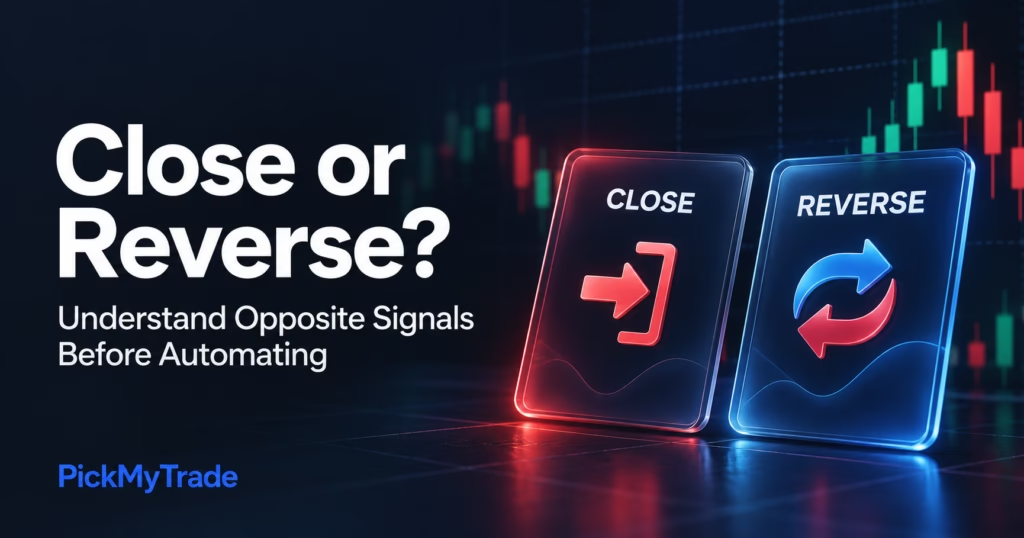
PickMyTrade “Close or Reverse?” cover with red Close and blue Reverse cards against a dark candlestick chart background.
Automated Trading

PickMyTrade Reverse Order Close: Close or Reverse?

PickMyTrade reverse order close controls how an opposite signal is handled, but you should define the desired final position before enabling it. A sell signal while you are long might mean close the long, reverse into a short, or follow an explicit strategy order. Those intentions need different execution rules. This guide explains the distinction

Prop Firm Pine Scripts and PickMyTrade illustration showing a laptop with code and a trading chart
Prop Firms, TradingView

How to Automate Prop Firm Pine Scripts with PickMyTrade

Conceptual illustration; not a product screenshot or performance result. Prop Firm Pine Scripts develops TradingView strategies and indicators for futures prop firm traders. For traders exploring automation, its scripts provide the trading logic; a compatible PickMyTrade setup connects TradingView alerts to a supported broker account. That connection starts with the particular script you choose. Its

Disconnected plugs, a warning icon, and a settings gear beside the title “Tradovate Not Connecting to PickMyTrade? Complete Fix Guide.”
Tradovate

Tradovate Not Connecting? Complete PickMyTrade Fix Guide

Tradovate not connecting to PickMyTrade? First check whether the problem is sign-in, account selection, or an order rejection. Open pickmytrade.trade, confirm the intended Demo or Live environment, and reconnect using the correct Tradovate login. Then check that the account your automation targets is available on that connection. A red connection indicator and a rejected trading

PickMyTrade master account connected to three follower accounts, with two check marks and one warning indicating a trade-copying issue.
Trading, Trading Automation

Trades Not Copying to Follower Accounts? Fix-It Guide

When troubleshooting trades not copying to follower accounts, start with one specific master order. Confirm the correct source account, the copier’s running state and the follower’s active configuration. Then compare the copy event with the follower’s broker order status. A filled master order does not prove that every follower filled. Do not diagnose a copying

PickMyTrade trade copier setup illustration showing one master trading chart connected to three follower accounts.
Trading Automation

Trade Copier Setup Guide for PickMyTrade

To complete your trade copier setup in PickMyTrade, connect Tradovate, select one admin account, add the follower accounts, activate them and set their quantity multipliers. Start the copier, then verify a small demo entry and exit on every account before using it for live or funded trading. This guide covers the Manual Trade Copier on

error

Follow us for more insights and updates

Scroll to Top
Rated 4.6/5 by 83+ traders on Trustpilot
Verified by MonsterInsights