Automate TradingView Indicators with Tradovate Using PickMyTrade
Discover how to automate TradingView indicators with Tradovate using PickMyTrade. Streamline your trading strategy and react to market conditions in real time.

Discover how to automate TradingView indicators with Tradovate using PickMyTrade. Streamline your trading strategy and react to market conditions in real time.

Unlock the Power of Automated Trading with Tradovate and PickMyTrade Are you looking to elevate your trading game? Tradovate’s advanced automation tools, combined with PickMyTrade, allow you to effortlessly execute your trading strategies. Sign up now to unlock the power of automated trading: PickMyTrade. Effortless Trading with Advanced Automation In the fast-paced world of trading,

Evaluation rules rechecked November 6, 2026. All six $50K futures challenges in this comparison ask you to make $3,000 with an initial $2,000 loss allowance. What separates them is what happens along the way. Can you earn most of the profit in one session? Does a rough morning end your trading day? Can you sit
To cancel your PickMyTrade subscription, turn off auto-renewal in the account that owns the plan. Select the intended subscription in Payment, complete the cancellation and save the confirmation. Then check when paid access ends. Your service can remain active until that date even though the next renewal has been canceled. This guide covers pickmytrade.trade: the
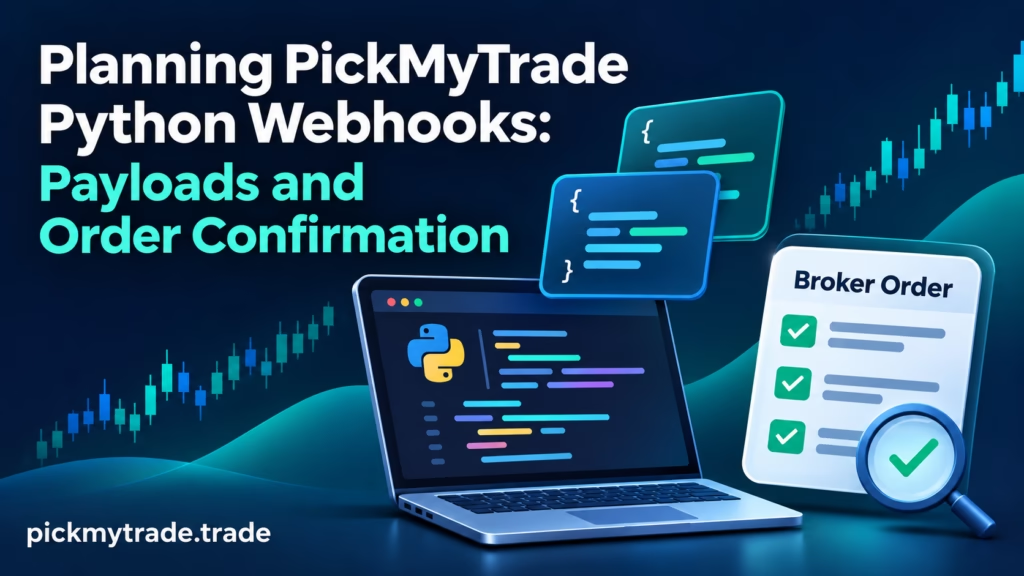
A PickMyTrade Python webhook should be planned as an order workflow, not just an HTTP request. Start with the current generated webhook URL and JSON for the intended account, configure the sender’s IP access and decide how you will confirm the broker outcome. Receiving an HTTP response does not by itself establish that an order
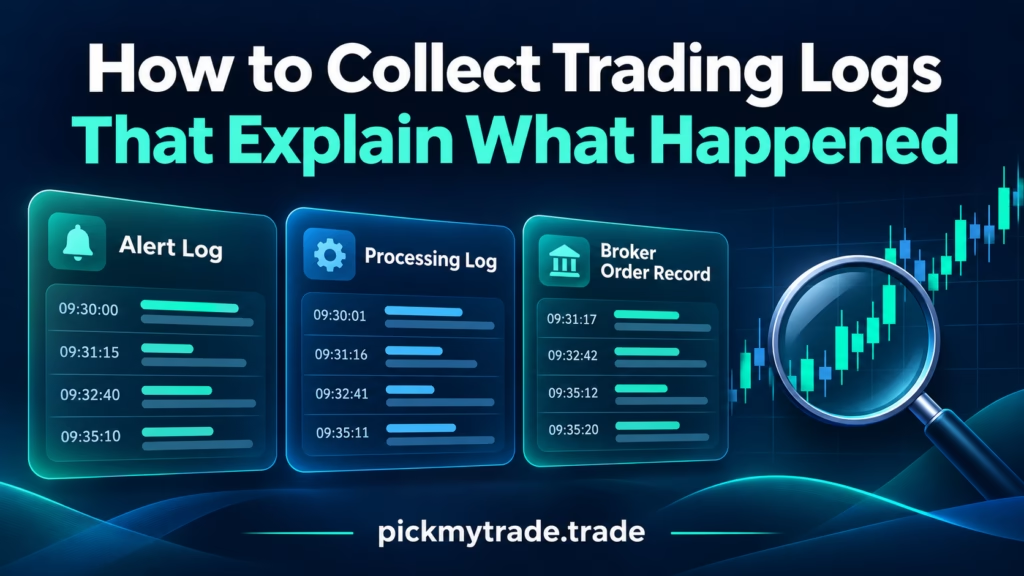
A useful trading log report connects the TradingView alert, the PickMyTrade processing record and the broker’s order history. If you’re searching for “pickmytrade logs download,” start with the event you need to investigate. Export the relevant records, preserve their original timestamps and match the account, instrument and order references before drawing conclusions. A chart screenshot
TradingView broker market data requirements depend on where your chart gets its prices and which account receives the order. A real-time chart does not prove that the broker has the required quote entitlement or trading permission. Before buying another subscription, identify the display, exchange and execution route involved. For PickMyTrade users on pickmytrade.trade, this means

Compare six $50K simulated funded accounts after evaluation: drawdown, daily loss pauses, scaling and first-payout risk, with official rules and examples.
To pause PickMyTrade, use the documented pause control in the Alert Log or Alerts section, confirm the paused status, and then inspect your broker’s positions and working orders. Pausing execution is a different action from flattening an account. A position can remain open, an entry order can still be working, and an exit that depends

Compare five $50K forex prop plans using official payout rules: request timing, minimums, profit splits, fees and the conditions behind our editorial tiers.

A daily loss limit is useful only when you know which account it governs, which P&L it measures, and what happens when the threshold is reached. PickMyTrade documents daily and weekly loss and profit settings for selected Tradovate trading accounts. Start with the account selector, then verify the calculation and action. This guide covers PickMyTrade-side
Six selected $50K futures prop firm plans ranked by payout eligibility and withdrawal flexibility, with official sources, clear criteria and worked examples.






