Trading Automation

PickMyTrade master account connected to three follower accounts, with two check marks and one warning indicating a trade-copying issue.
Trading, Trading Automation

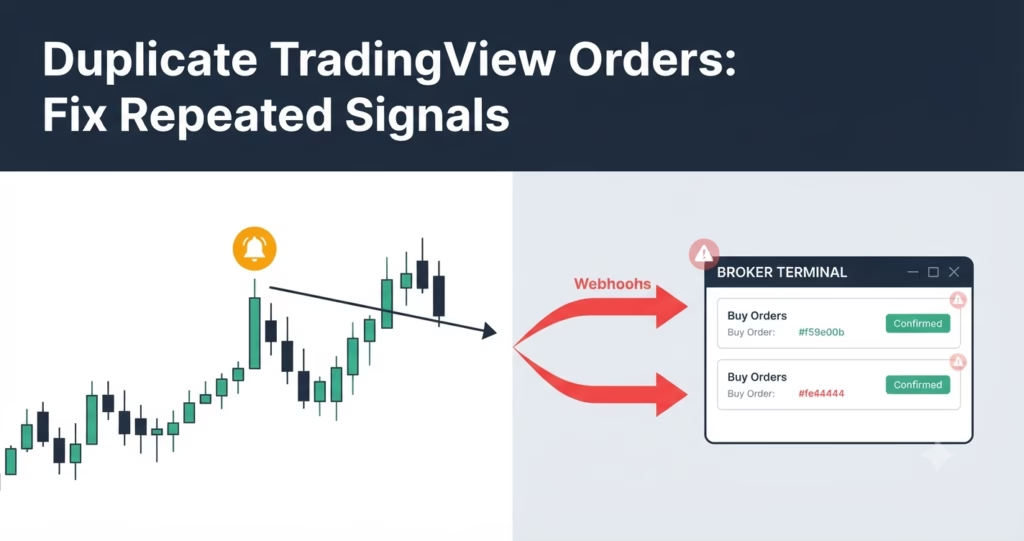
Trades Not Copying to Follower Accounts? Fix-It Guide

When troubleshooting trades not copying to follower accounts, start with one specific master order. Confirm the correct source account, the copier’s running state and the follower’s active configuration. Then compare the copy event with the follower’s broker order status. A filled master order does not prove that every follower filled. Do not diagnose a copying

PickMyTrade trade copier setup illustration showing one master trading chart connected to three follower accounts.
Trading Automation

Trade Copier Setup Guide for PickMyTrade

To complete your trade copier setup in PickMyTrade, connect Tradovate, select one admin account, add the follower accounts, activate them and set their quantity multipliers. Start the copier, then verify a small demo entry and exit on every account before using it for live or funded trading. This guide covers the Manual Trade Copier on

error

Follow us for more insights and updates

Scroll to Top
Rated 4.6/5 by 83+ traders on Trustpilot
Verified by MonsterInsights