Automated Trading

PickMyTrade Python webhook illustration showing a code editor, JSON payload cards and a broker order verification checklist.
Automated Trading

PickMyTrade Python Webhook: Payloads and Order Checks

A PickMyTrade Python webhook should be planned as an order workflow, not just an HTTP request. Start with the current generated webhook URL and JSON for the intended account, configure the sender’s IP access and decide how you will confirm the broker outcome. Receiving an HTTP response does not by itself establish that an order
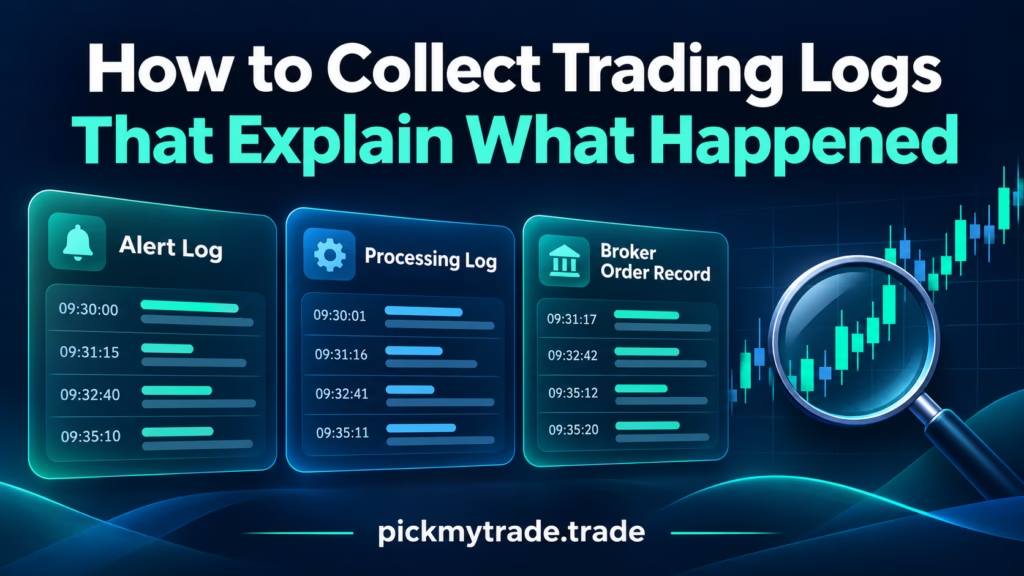
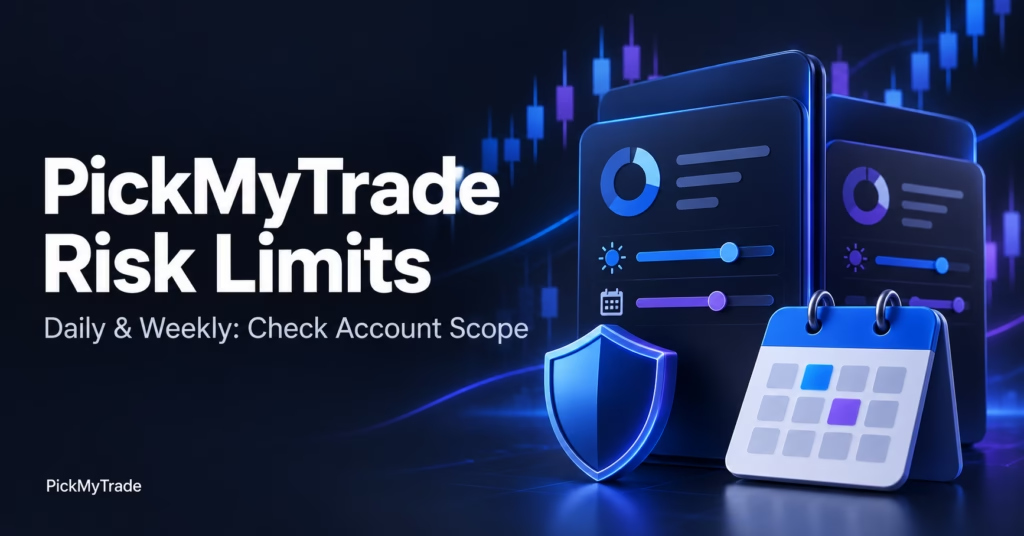
Illustration of alert logs, processing logs and broker order records beside a magnifying glass and trading chart.
Automated Trading, Trading view Automation using PickMyTrade

PickMyTrade Logs Download: Trace Alerts and Orders

A useful trading log report connects the TradingView alert, the PickMyTrade processing record and the broker’s order history. If you’re searching for “pickmytrade logs download,” start with the event you need to investigate. Export the relevant records, preserve their original timestamps and match the account, instrument and order references before drawing conclusions. A chart screenshot

PickMyTrade risk-limit illustration showing account settings, a shield and a calendar for daily and weekly controls.
Automated Trading, Trading view Automation using PickMyTrade

Daily Loss Limit in PickMyTrade: Account & Scope Guide

A daily loss limit is useful only when you know which account it governs, which P&L it measures, and what happens when the threshold is reached. PickMyTrade documents daily and weekly loss and profit settings for selected Tradovate trading accounts. Start with the account selector, then verify the calculation and action. This guide covers PickMyTrade-side

PickMyTrade trading hours illustration with a clock, calendar and news notification representing trading schedules and news filters.
Automated Trading

PickMyTrade Trading Hours: Entries, Exits & News Filters

PickMyTrade trading hours define when automated orders are permitted, while a separate close setting determines what should happen to existing positions and working orders at a window’s end. News filters add another restriction around detected scheduled events. Set all three deliberately: the allowed window, the account scope, and the intended treatment of exposure. For TradingView-to-Tradovate

Prop firm automated trading cover featuring a blue checklist, magnifying glass and candlesticks with PickMyTrade branding.
Automated Trading, Prop Firms

Which Prop Firms Allow Automated Trading? Rules Compared

Some prop firms allow automated trading, but permission depends on the account stage, strategy ownership, execution platform and location of the order-routing software. MyFundedFutures and Tradeify publish conditional automation policies. Topstep permits conditional automation in Express Funded Accounts but lists separate API and Live Funded restrictions. None of those statements alone approves every TradingView webhook

Funded account change cover showing old and new account cards, blue connection lines, and a settings icon with PickMyTrade branding.
Automated Trading

Funded Account Change: Update Your Automation Route

A funded account change requires checking the whole automation route: broker connection, destination account, subscription assignment, running TradingView message, and copier selections. A successful login only confirms one part of that route. Before the next signal, verify where an order will go and how any existing position will be managed. Passing an evaluation, receiving a

PickMyTrade “Close or Reverse?” cover with red Close and blue Reverse cards against a dark candlestick chart background.
Automated Trading

PickMyTrade Reverse Order Close: Close or Reverse?

PickMyTrade reverse order close controls how an opposite signal is handled, but you should define the desired final position before enabling it. A sell signal while you are long might mean close the long, reverse into a short, or follow an explicit strategy order. Those intentions need different execution rules. This guide explains the distinction

error

Follow us for more insights and updates

Scroll to Top
Rated 4.6/5 by 83+ traders on Trustpilot
Verified by MonsterInsights