
Rules checked October 1, 2026.
Table of Contents
- Which scripts and purchases are affected
- Why a Discord or course bundle needs checking
- What the TradingView Marketplace and Paid Spaces provide
- Does TradingView take a commission
- What indicator sellers should do now
- Watch the PickMyTrade video on the Marketplace change
- A buyer checklist before the next renewal
- Will paid indicators and alerts work together
- A script update does not update an existing alert
- Where PickMyTrade fits and the permission limit
- Questions to ask before trusting a replacement indicator
- Does Marketplace approval prove the strategy makes money
- Should I switch platforms immediately
Not automatically. TradingView’s September 30 announcement moves commercial script sales into its Marketplace from November 1, 2026. Official announcement
The practical question is what happens to your subscription, your vendor, and the alerts you rely on. Start with the purchase receipt and exact script name. A frightening headline cannot tell you which arrangement you have.
This guide explains the transition, what to ask before renewing, and why buying an indicator, receiving its alerts, and using those alerts for automated execution involve separate checks.
Which scripts and purchases are affected
Use this table to identify your situation before contacting the seller.
| Your situation | What to understand |
|---|---|
| Paid invite-only access purchased before November 1 | The purchased period is preserved, including lifetime purchases. |
| New payment to renew, extend, or maintain access after the cutoff | Vendors cannot collect it outside Marketplace. |
| Non-commercial invite-only script | Its non-commercial use continues. |
| Open-source publication | Users can see its code; published open-source scripts are free. |
| Protected publication | Users can apply it without seeing its code; published protected scripts are free. |
The first three rows summarize the transition announcement. The last two follow TradingView’s script types and vendor requirements.
Sellers should contact [email protected] before November 1 to discuss transition arrangements and existing customers. TradingView says vendors continuing outside payments without contacting it about Marketplace participation will have their invite-only scripts blocked. Transition instructions
Ask the vendor for its actual transition plan, support contact, and instructions for customers with your purchase type. Keep those answers with your purchase records.
Why a Discord or course bundle needs checking
A script described as a free bonus may still be part of a commercial arrangement. Section 23 of TradingView’s Terms covers more than direct indicator payments: it includes monetary benefits, business use, and promotion of paid services or referral benefits associated with the script or profile. Commercial distribution must use Marketplace. Calling access a bonus does not establish an exception. TradingView Terms, Section 23
If your membership combines education, chat access, and indicators, request an itemized explanation. Which part are you paying for? Who grants the script permission? What will change in the next billing cycle? The seller should explain how its particular package will operate.
These are already real customer concerns. In a Reddit discussion of the announcement, participants ask about Discord membership, pricing tiers, and existing communities. Another discussion about paid invite-only indicators asks what happens to existing customers. Those questions are useful; commenters’ interpretations are not official exemptions.
What the TradingView Marketplace and Paid Spaces provide
The Marketplace is where traders discover paid script offerings. A Paid Space is one approved author’s collection of indicators and strategies. Subscribing provides access to that collection inside TradingView, with payments and subscription management handled there. TradingView’s Paid Space explanation
The current Creator Program terms specify monthly billing. Both free and paid TradingView users can subscribe. Cancellation leaves access active through the billing period; applicable sales taxes may be added. If an author changes the subscription price, existing subscribers receive that price from their next billing cycle. Creator Program terms
Read the actual offering before comparing costs. Check which scripts you will use, what support is provided, and which TradingView features your workflow needs. A bundle with many tools is not automatically better value than one tool you understand well.
Does TradingView take a commission
The current platform fee is 0% per transaction. The terms allow TradingView to change it with advance notice to authors. A specific exception protects Paid Spaces approved before April 1, 2026: they retain 0% while active, even after a later standard-fee change. New sellers should not describe today’s fee as permanently guaranteed. Current fee provisions
A possible future fee is not an announced fee increase. Compare today’s quoted price with your own budget and reassess if the seller actually changes it.
What indicator sellers should do now
Marketplace entry involves a review. TradingView’s public application guidance currently requires an active Premium or Ultimate plan and at least one public invite-only indicator or strategy older than three months with 100 or more boosts. It gives no estimated review time. Creator application guidance
Our practical recommendation is to prepare one clear customer inventory: script names, usernames, purchase dates, access periods, and the promises already made. Separate customers needing clarification from those simply awaiting migration instructions. Avoid publishing an approval date or migration outcome that TradingView has not confirmed.
Customers need a usable status update: which scripts they own, whom to contact, and whether any action is required. A general statement that the business is working on it leaves traders unable to plan their next renewal.
Watch the PickMyTrade video on the Marketplace change
PickMyTrade’s own video, TradingView Paid Scripts Are Moving to Marketplace | What Changes November 1, covers the transition in video form.
The video is PickMyTrade commentary, not TradingView policy. For the current rules, rely on the official announcement, Terms of Use and Creator Program terms linked throughout this guide, and recheck them before acting on any date or fee.
A buyer checklist before the next renewal
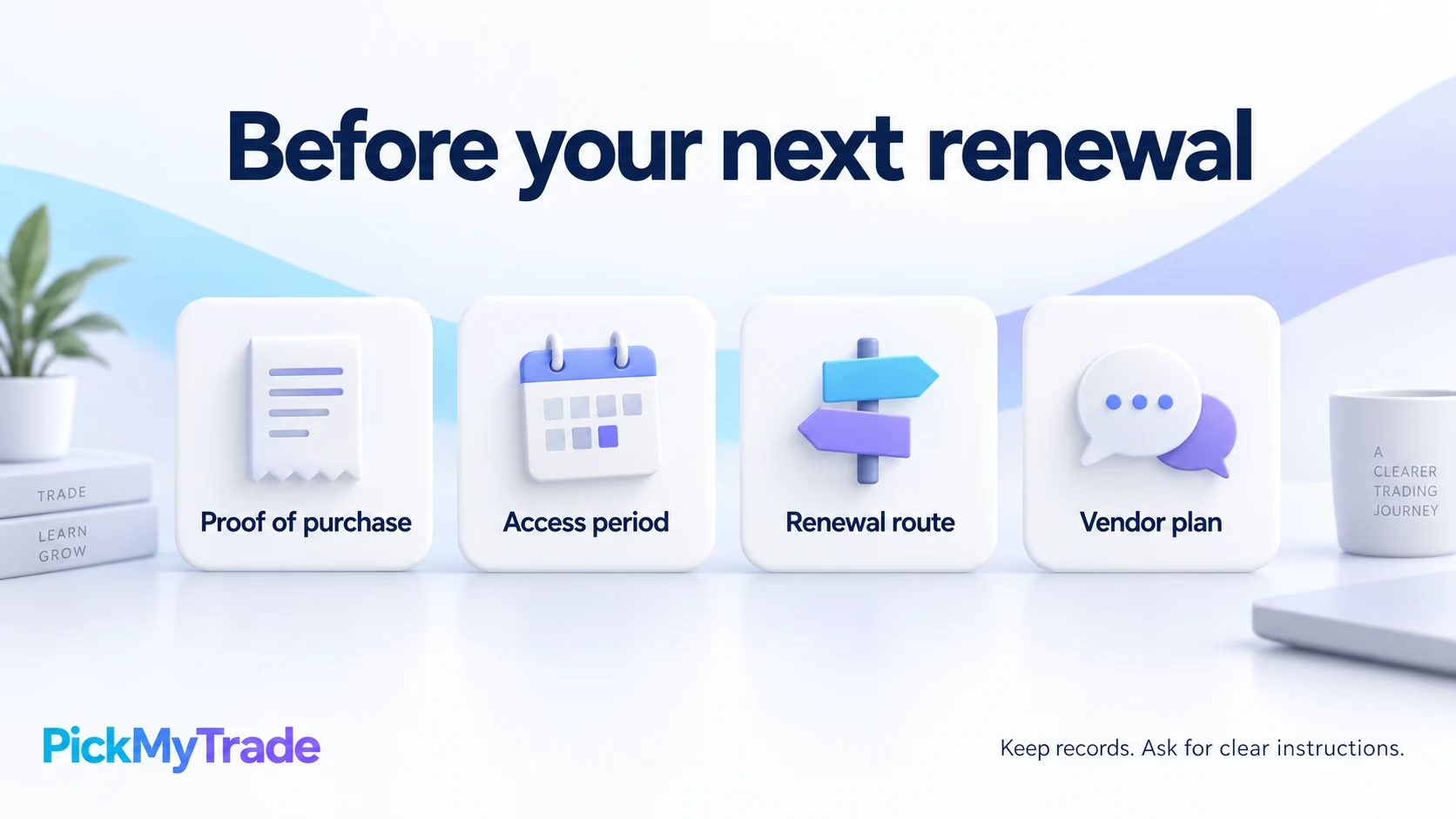
Our recommended review takes the conversation beyond whether a script is still visible today.
| Check | Ask or record |
|---|---|
| Purchase evidence | Save the receipt, exact product name, purchase date, and written access period. |
| Seller’s plan | Request the Marketplace listing or a specific transition update. |
| Next charge | Confirm the billing date, payment recipient, price, and what that payment buys. |
| Script identity | Record the author and script link so a similarly named replacement is not mistaken for the original. |
| Settings and alerts | Save the symbol, timeframe, inputs, and alert configuration before changing anything. |
| Support | Keep the seller’s written response and the route for unresolved access questions. |
For a lifetime purchase, preserve the original description alongside the receipt. For a bundle, include the list of scripts supplied. An invoice saying only membership may not explain the access you are asking support to review.
Avoid cancelling and immediately repurchasing out of panic. First establish whether another payment is required and what, if anything, replaces the existing arrangement. Likewise, do not assume that a script still appearing on your chart settles its renewal terms.
A useful message to the vendor is: please confirm the access period attached to my purchase, your transition arrangements, whether my script or alert setup will change, and what action you need from me before my next charge.
Will paid indicators and alerts work together
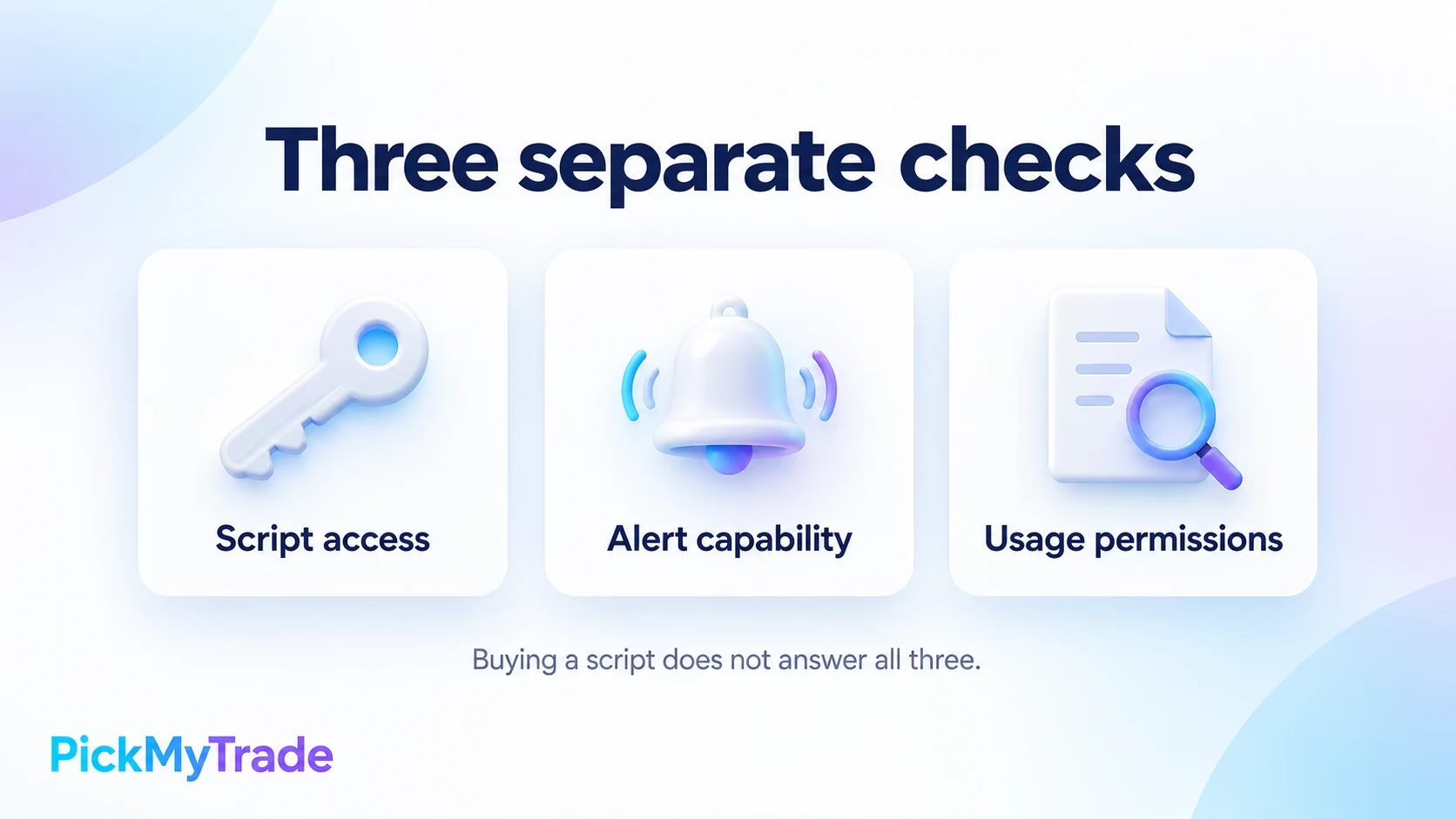
An invite-only subscription gives access to use the published script; TradingView keeps its source hidden from subscribers. Buying access does not by itself provide code to download, modify, or turn into a strategy yourself. Published-script visibility
TradingView’s Pine documentation distinguishes alert methods. Indicator events using alert() or alertcondition() depend on code supplied by the author. Strategy order-fill alerts can be created without special alert code, but those fills come from TradingView’s broker emulator. They are not confirmations that a connected broker executed an order. Pine alert documentation
Ask the author which events are available: entries, exits, reversals, or only a general signal. Also ask whether the message can carry the fields your intended receiving system needs. A buy marker on a chart alone does not answer those questions.
A script update does not update an existing alert
When an alert is created, TradingView saves the script, inputs, symbol, and timeframe for that alert. Later chart or input changes do not update it. Recreate the alert when you need the new configuration reflected. How running alerts retain their settings
During a vendor migration, record the old setup before replacing it. Compare the intended signals on the same market and timeframe. If a replacement behaves differently, ask the author whether its logic, defaults, or alert conditions changed before relying on it.
Where PickMyTrade fits and the permission limit
PickMyTrade’s documentation describes receiving supported TradingView indicator alerts by webhook and converting them into live or simulated trades. It also recommends simulation testing and reviewing execution logs. This describes the execution service’s technical workflow; it does not establish that every paid script supplies compatible signals. PickMyTrade indicator documentation
There is a material usage restriction to check: Section 3 of TradingView’s current Terms expressly prohibits non-display use of its content and market data for automated trading and order generation, including uses involving alerts and webhooks. Marketplace access does not itself override that restriction. We found no public source establishing an exception for a particular PickMyTrade setup. Obtain clarification of applicable permissions before relying on such an arrangement. TradingView Terms, Section 3
Technically, webhooks send an alert message to an external URL. TradingView requires two-factor authentication and notes that delivery can fail; the alert log includes webhook status. Successful delivery is still a different event from a broker fill. TradingView webhook documentation
Questions to ask before trusting a replacement indicator
Does Marketplace approval prove the strategy makes money
Do not use a listing as your performance test. TradingView’s vendor requirements prohibit misleading performance claims and require realistic strategy explanations. Ask for the actual test settings, costs, market, and timeframe before evaluating a backtest. Vendor requirements
Our recommendation is to compare a replacement against a written decision rule. Record what should trigger a signal and what would invalidate it. Test those expectations before changing a workflow you already depend on.
Should I switch platforms immediately
Establish the vendor’s plan first. If you later evaluate another platform, compare the rules, data, chart sessions, signal timing, and support you need. A familiar indicator name or similar screenshot is not enough to show that two implementations behave identically.
Keep a record of the access you bought and the instructions you receive. That gives you something concrete to check when a renewal, migration, or alert change requires a decision.






