
Take Profit Trader (TPT) runs a one-step futures evaluation. It pays PRO+ traders the same day they earn a profit, and splits as much as 90% to the trader. The rulebook shifts often enough, though, that even funded traders lose track of the current numbers. Searching for take profit trader automation because you want a strategy running on autopilot? The short answer is yes. But only your own strategy, not a bought bot.
Table of Contents
- What Is Take Profit Trader?
- What Are Take Profit Trader’s Rules in 2026?
- How Do Take Profit Trader Payouts Work?
- What Does Take Profit Trader Automation Actually Allow?
- How Do You Set Up Take Profit Trader Automation With PickMyTrade?
- How Does Take Profit Trader Compare to Other Prop Firms?
- Apex Trader Funding
- Topstep
- Pros & Cons
- Frequently Asked Questions
- The Bottom Line
This guide breaks down TPT’s evaluation and payout rules as they stand in 2026, then walks through exactly what the firm allows when you connect an automation tool like PickMyTrade to a funded account. We’ll cover the trailing drawdown mechanics and the profit-split gap between PRO and PRO+. We’ll also cover the copy-trading limits that catch multi-account traders off guard.
Key Takeaways
- TPT dropped its daily loss limit for every account size in January 2025, leaving the trailing drawdown as the only hard stop.
- PRO+ accounts pay a 90/10 split with day-one withdrawals; PRO accounts pay 80/20 and must clear a balance buffer first.
- TPT’s own 2025 disclosure put the Trading Test pass rate at 36.22%, up from roughly 20% in 2023.
- Personal automation is allowed (your own TradingView or Python strategy), but bought bots and paid signal services are not.
- Tools like PickMyTrade can route TradingView alerts into a funded TPT account through Tradovate, matching TPT’s contract limits automatically.
Still deciding between prop firms? Our Apex Trader Funding review and connection guide breaks down how Apex’s rules stack up against TPT’s.
What Is Take Profit Trader?
Take Profit Trader is a futures-only prop firm that funds traders through a single evaluation stage: the Test. From there, traders move into a simulated PRO account and eventually a live-market PRO+ account. Pick an account size from $25,000 to $150,000, hit a 6% profit target across at least 5 trading days, and stay inside an end-of-day trailing drawdown to pass.
Unlike two-step evaluations some competitors run, the Test is the only hurdle before funding. There’s no second combine to grind through. Once you pass, a one-time $130 activation fee unlocks the PRO stage. Need a reset instead of starting the Test over? A PRO reset costs $399 to $1,499, depending on account size.
What Are Take Profit Trader’s Rules in 2026?
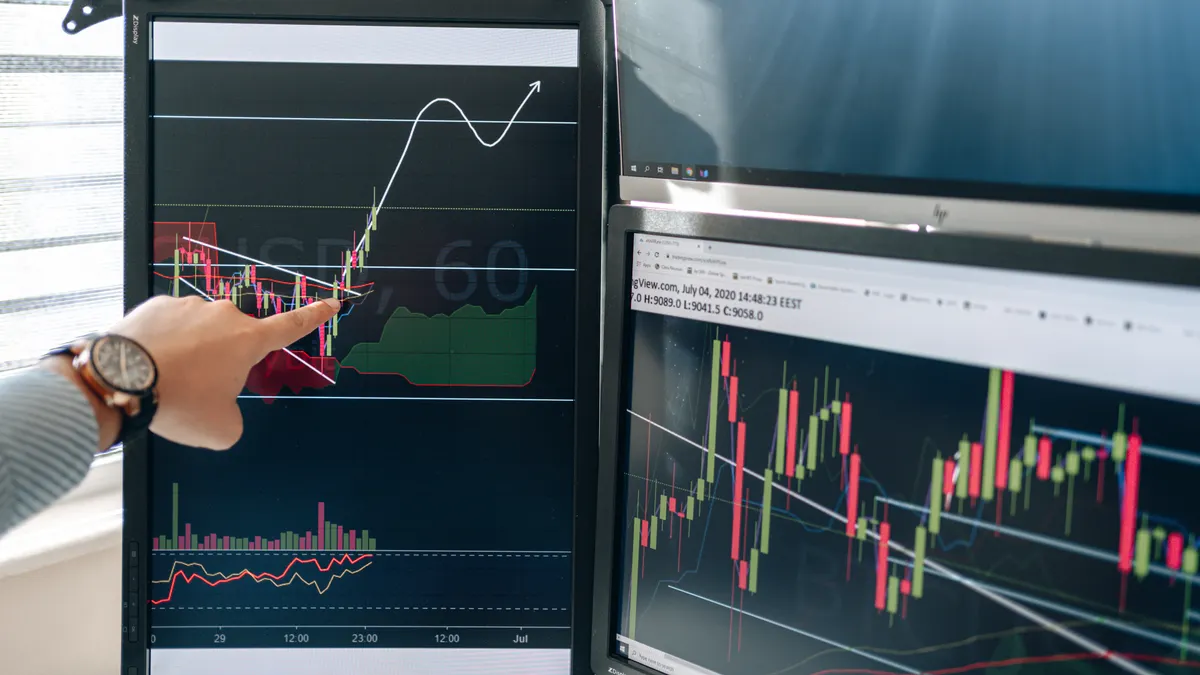
Take Profit Trader’s core rules in 2026 come down to four things: a 6% profit target, an end-of-day trailing drawdown during the Test, no daily loss limit, and a consistency rule capping any single day at 50% of total profit. Here’s the catch: PRO accounts switch to an intraday trailing drawdown. That’s the single biggest rule change between stages, and the most common reason traders blow a funded account in the first week.
That stage-to-stage switch matters more than the headline numbers. An end-of-day drawdown only tracks your account’s balance at the close, so an intraday dip that recovers by 5PM ET doesn’t touch it. An intraday drawdown tracks your worst moment of the day, live. The same trade that would have been safe on the Test can knock you out on PRO.
Take Profit Trader’s trailing drawdown scales directly with account size. It runs from $1,500 on the $25K account up to $4,500 on the $150K account, with contract limits rising in matching steps. Bigger accounts don’t mean easier trading. They just mean bigger numbers on both sides of the ledger.
The consistency rule adds a second constraint on top of the drawdown. Prove yourself over at least 5 separate trading days, and keep your best single day under 50% of total profit. Once you’re funded, that rule disappears. There’s also a quieter requirement worth knowing: TPT expects at least one trade per week to keep an account active, evaluation or funded.
How Do Take Profit Trader Payouts Work?
Take Profit Trader payouts depend entirely on which stage funded you. PRO accounts pay an 80/20 split and require your balance to clear a buffer before anything becomes withdrawable. PRO+ accounts pay 90/10 instead, with no buffer and no minimum profitable days. Both process approved withdrawal requests in about an hour.
The PRO buffer is the part that surprises people. You need your balance to sit above the trailing drawdown threshold plus roughly $2,000. On a $50,000 PRO account, that means clearing about $52,000 before the first dollar is withdrawable. Early on, PRO does allow 50% withdrawals against that buffer in the first 60 days, rising to 80% after. PRO+ skips the buffer entirely and pays from day one.

PRO+ traders keep 90% of every dollar and can request it the same day it’s earned. No minimum profitable-day count, no payout window to wait for. PRO traders keep 80% but must grow their balance past a fixed buffer first. What about fees? Expect roughly an hour of processing on withdrawals, free above $250 and a flat $50 fee below that.
What Does Take Profit Trader Automation Actually Allow?
Take Profit Trader automation is allowed when it’s your own strategy: a TradingView alert, a NinjaTrader indicator, or a Python script you wrote yourself. What the firm bans is mass-distributed commercial bots and paid signal services sold to multiple traders at once. The distinction comes down to authorship, not the presence of code.
That’s a narrower rule than “no bots,” and broader than “bots only.” TPT’s terms place full responsibility for any trade copier or third-party automation tool on the trader: you configure it, you monitor it, you own the consequences if it misfires. The firm doesn’t pre-approve automation software, and it doesn’t guarantee anything about how a third-party tool behaves.
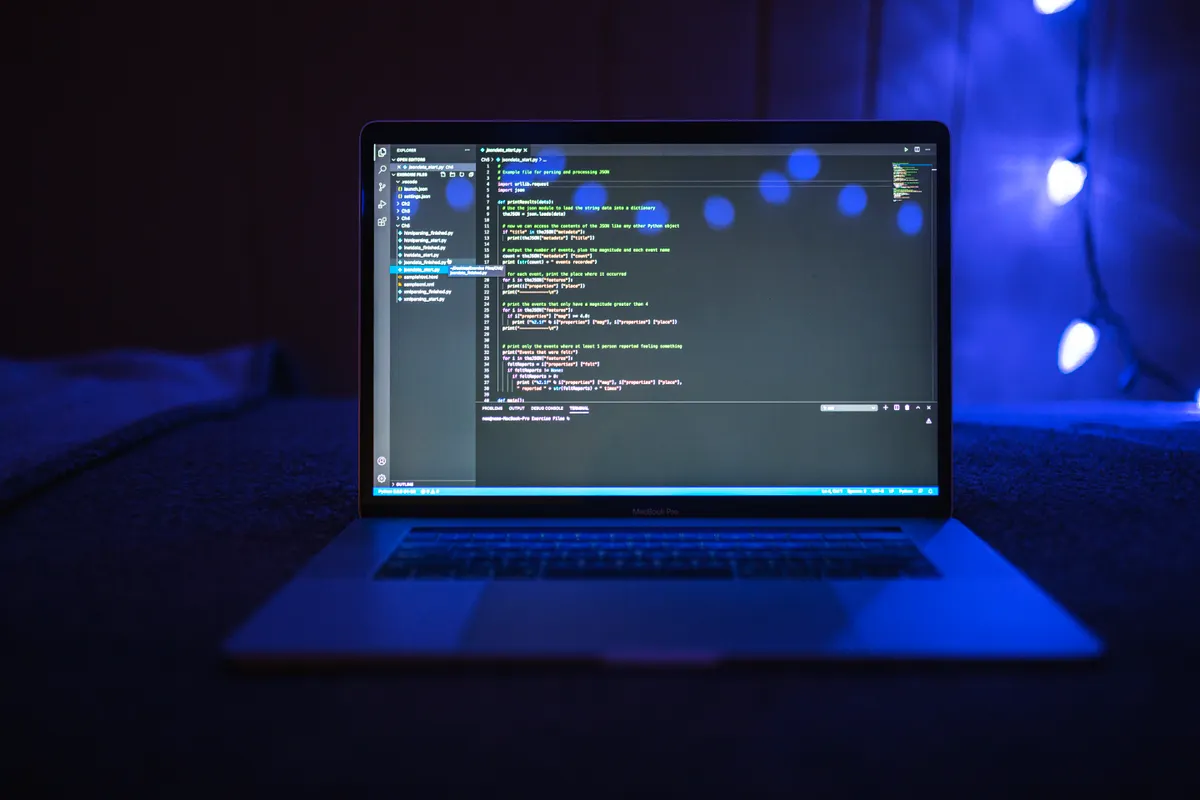
Copy-trading across multiple funded accounts is where TPT has tightened the most since 2024. The firm now caps simultaneous funded accounts at roughly 3 to 5 per real-name identity. It also actively flags suspiciously aligned timestamps or identical order parameters across accounts. Run the same automated strategy on six accounts under one name, and you’re not automating anymore. You’re triggering a review.
That responsibility clause is exactly why “is automation allowed” has no universal yes-or-no answer for Take Profit Trader. It depends on what the tool does and who built the strategy running through it. A personal alert you wrote yourself lands on one side of that line. A signal service you paid for lands on the other.
Execution itself runs through TPT’s approved routes: Tradovate and Rithmic for order flow, with NinjaTrader connecting to Rithmic through the NT8 add-on. Whatever automation tool you use has to land your orders on one of those rails.
How Do You Set Up Take Profit Trader Automation With PickMyTrade?
Setting up Take Profit Trader automation with PickMyTrade takes four steps. Connect your Tradovate-based TPT account, generate a webhook URL from the PickMyTrade dashboard, paste that URL into a TradingView alert, and set a per-account contract cap that matches TPT’s limit for your size.
- Open a PickMyTrade account. Plans run $50/month or $500/year, with a 5-day free trial and no card required, and cover unlimited trades, strategies, and connected accounts.
- Link your Tradovate credentials for the TPT-funded account inside the PickMyTrade dashboard. This is the execution rail TPT itself uses for PRO+ accounts.
- Build your TradingView alert from a strategy or indicator you wrote yourself, then paste the JSON webhook URL PickMyTrade generates into the alert’s webhook field.
- Set your contract cap and active-hours window. Match the cap to your TPT account size (3 contracts on $25K, up to 15 on $150K). Then configure active hours so alerts firing during FOMC or NFP blackout windows get rejected automatically instead of executing.
Our finding: Across Take Profit Trader accounts connected through PickMyTrade, the news-blackout window trips up more automated strategies than the drawdown does. An alert firing during a scheduled blackout still executes unless the active-hours window is set beforehand. It’s a five-minute setup step that prevents an entirely avoidable rule violation.
PickMyTrade’s own Take Profit Trader FAQ puts median end-to-end execution at 300 to 700 milliseconds, measured from the TradingView alert firing to the Tradovate fill confirmation. Per-account contract caps and drawdown halts are built in as guardrails. Still weighing Rithmic against Tradovate for execution? Our Rithmic vs Tradovate comparison covers the fee and speed tradeoffs in more depth.
How Does Take Profit Trader Compare to Other Prop Firms?
Take Profit Trader’s biggest edge over most futures prop firms is payout speed. PRO+ pays same-day with no minimum profitable days, something few competitors match. Here’s how the core numbers compare:
| Firm | Evaluation | Top Profit Split | Drawdown Type | Daily Loss Limit |
|---|---|---|---|---|
| Take Profit Trader | 1-step Test | 90% (PRO+) | Trailing (EOD or intraday by stage) | None |
| Apex Trader Funding | 1-step | 90% | Trailing | None |
| Topstep | 1-step Combine | 90% | Trailing | Yes, on Combine |
Apex Trader Funding
Best if you need: more account-size options and a lower entry price on smaller accounts.
Key difference: Apex uses a safety-net-based payout gate instead of TPT’s buffer, covered in our Apex payout rules breakdown.
Topstep
Best if you need: a firm with a longer public track record and a large existing trader community.
Key difference: Topstep’s Combine keeps a daily loss limit that TPT dropped in January 2025.
Pros & Cons
| Pros | Cons |
|---|---|
| No daily loss limit on any account size | PRO switches to intraday drawdown, a harder rule than the Test |
| PRO+ pays 90/10 with same-day withdrawals | PRO requires clearing a balance buffer before withdrawing |
| One-step evaluation, no second combine | Bought bots and paid signal services are banned |
| Personal automation (your own scripts) is allowed | Multi-account copy-trading is capped and actively monitored |
| Trading Test pass rate rose to 36.22% in 2025 | Weekly trade requirement to keep accounts active |
Frequently Asked Questions
Yes. Take Profit Trader is an established futures prop firm that discloses its own pass-rate data and routes execution through regulated brokers like Tradovate and Rithmic. Its 2025 disclosed Trading Test pass rate of 36.22% is publicly stated by the firm itself, more transparency than many competitors offer.
Yes, with a condition. Personal automation built from your own TradingView strategy, NinjaTrader indicator, or Python script is allowed on both the Test and PRO stages. Mass-distributed commercial bots and paid signal services sold to multiple traders are prohibited.
Approved withdrawal requests process in about an hour. PRO+ accounts pay from day one with no minimum profitable days, while PRO accounts must first clear a balance buffer, roughly $2,000 above the starting balance, before any profit is withdrawable.
PRO pays an 80/20 split with an intraday trailing drawdown and a withdrawal buffer requirement. PRO+ pays 90/10 with an end-of-day trailing drawdown, no buffer, and same-day payout eligibility. The tradeoff is a higher activation cost to reach PRO+ status.
Yes, as long as the strategy running through it is your own. PickMyTrade connects a TradingView alert to your Tradovate-based TPT account via webhook, with contract caps and active-hours windows configurable to match TPT’s rules, starting at $50/month.
The Bottom Line
Take Profit Trader’s 2026 rulebook is lighter than most: no daily loss limit, a one-step evaluation, and a 90/10 split on PRO+ that pays the same day you earn it. The tradeoffs are real too: PRO’s intraday drawdown, the withdrawal buffer, and a firm ban on bought bots that only personal automation gets around.
If you’re building your own strategy rather than buying someone else’s, take profit trader automation through a tool like PickMyTrade is straightforward. Connect Tradovate, set your contract caps, and let your own TradingView alerts do the execution. Start a free 5-day trial to see how it fits your TPT account before committing to a paid plan.
Disclaimer:
This content is for informational purposes only and does not constitute financial, investment, or trading advice. Trading and investing in financial markets involve risk, and it is possible to lose some or all of your capital. Always perform your own research and consult with a licensed financial advisor before making any trading decisions. The mention of any proprietary trading firms, brokers, does not constitute an endorsement or partnership. Ensure you understand all terms, conditions, and compliance requirements of the firms and platforms you use.
Also Checkout: Automate TradingView Indicators with Tradovate Using PickMyTrade






