PickMyTrade Blog: TradingView Automation, Alerts & Broker Integrations

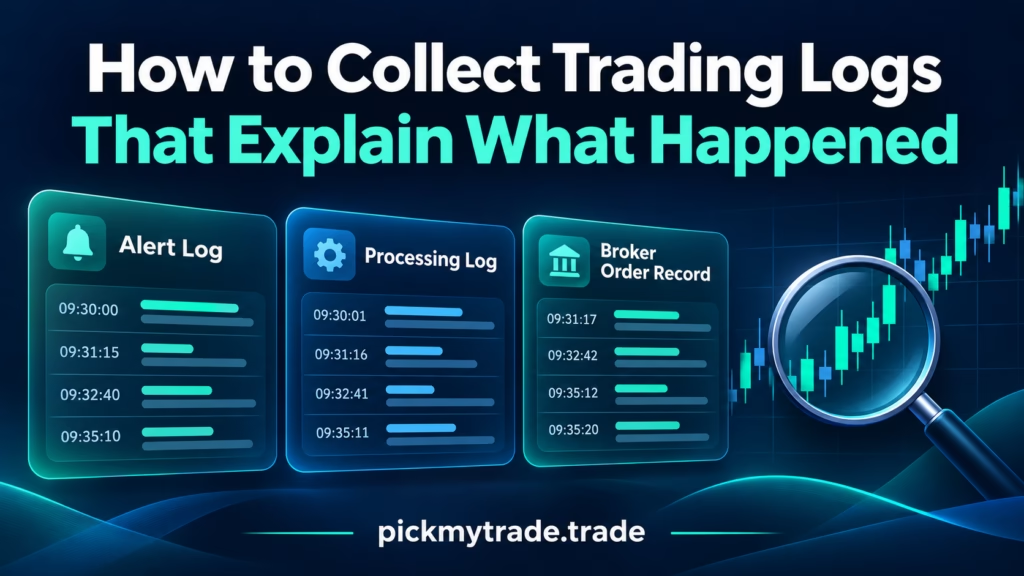
Illustration of alert logs, processing logs and broker order records beside a magnifying glass and trading chart.
Automated Trading, Trading view Automation using PickMyTrade

PickMyTrade Logs Download: Trace Alerts and Orders

A useful trading log report connects the TradingView alert, the PickMyTrade processing record and the broker’s order history. If you’re searching for “pickmytrade logs download,” start with the event you need to investigate. Export the relevant records, preserve their original timestamps and match the account, instrument and order references before drawing conclusions. A chart screenshot
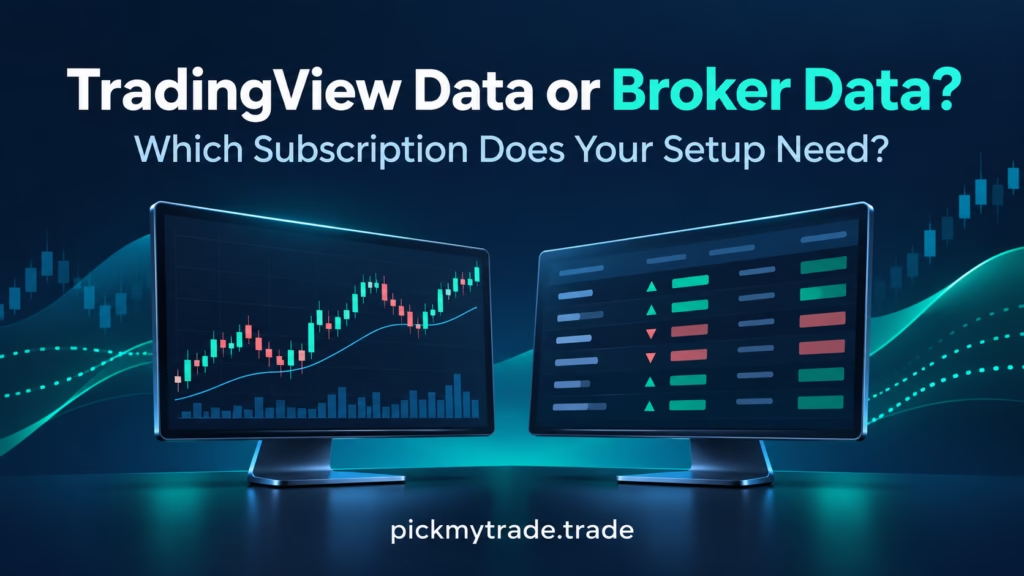
Compare TradingView broker market data requirements, chart feeds and Tradovate subscriptions. Learn which data access your PickMyTrade setup needs.
TradingView

TradingView Broker Market Data: Which Plan Do You Need?

TradingView broker market data requirements depend on where your chart gets its prices and which account receives the order. A real-time chart does not prove that the broker has the required quote entitlement or trading permission. Before buying another subscription, identify the display, exchange and execution route involved. For PickMyTrade users on pickmytrade.trade, this means

PickMyTrade risk-limit illustration showing account settings, a shield and a calendar for daily and weekly controls.
Automated Trading, Trading view Automation using PickMyTrade

Daily Loss Limit in PickMyTrade: Account & Scope Guide

A daily loss limit is useful only when you know which account it governs, which P&L it measures, and what happens when the threshold is reached. PickMyTrade documents daily and weekly loss and profit settings for selected Tradovate trading accounts. Start with the account selector, then verify the calculation and action. This guide covers PickMyTrade-side

PickMyTrade trading hours illustration with a clock, calendar and news notification representing trading schedules and news filters.
Automated Trading

PickMyTrade Trading Hours: Entries, Exits & News Filters

PickMyTrade trading hours define when automated orders are permitted, while a separate close setting determines what should happen to existing positions and working orders at a window’s end. News filters add another restriction around detected scheduled events. Set all three deliberately: the allowed window, the account scope, and the intended treatment of exposure. For TradingView-to-Tradovate

error

Follow us for more insights and updates

Scroll to Top
Rated 4.6/5 by 83+ traders on Trustpilot
Verified by MonsterInsights