
The best TradingView indicators span free and premium tiers: the built-in Public Library for free community scripts, PickMyTrade’s own free open-source AI and order-flow scripts, LuxAlgo for premium smart-money and trend tools, Zeiierman for advanced order-flow analysis, BigBeluga for algorithmic momentum signals, and Flux Charts for a multi-market premium suite. Overall, this guide covers what each offers, who it’s for, and how to turn any of them into an automated TradingView strategy.
Table of Contents
- 1. TradingView Public Library – Free Community Indicator Library
- 2. PickMyTrade – Free Open-Source AI & Order-Flow Scripts
- 3. LuxAlgo – Premium Smart-Money and Trend Toolkit
- 4. Zeiierman – Advanced Smart Money and Trend Tools
- 5. BigBeluga – Algorithmic Momentum Specialist
- 6. Flux Charts – Premium Suite for Multi-Market Traders
- FAQ
- What is a good free TradingView indicator?
- What premium TradingView indicator providers are worth looking at?
- Are TradingView indicators free to use?
- Can I automate a TradingView indicator or strategy?
- Which TradingView indicator is good for smart money or order flow analysis?
- What is a good TradingView strategy for scalping?
- Are there AI-powered indicators for TradingView?
- Can I build my own strategy in TradingView?
- Are invite-only indicators worth it?
- Conclusion
- Take It Further: Automate Your TradingView Strategies with PickMyTrade
This list covers a mix of free and premium options side by side — it isn’t a ranked “best to worst” order, just a rundown of what each one offers so you can pick what fits your trading style.
1. TradingView Public Library – Free Community Indicator Library
TradingView’s built-in Public Library remains a widely used source of indicators. It offers thousands of free Pine Script tools built by the community. As a result, these open-source scripts are trusted by millions of traders across stocks, forex, crypto, and commodities.
Popular scripts include:
- Supertrend (by KivancOzbilgic): A trend-following tool based on ATR, widely used across all asset classes.
- Volume Profile (by TradingView): Highlights price levels with the highest traded volume, ideal for support and resistance.
- 3-Bar Reversal and WaveTrend Oscillator (by LazyBear): Pattern-based reversal detector and momentum oscillator, both still among the most-boosted free community scripts.
- PineCoders Backtesting Templates: Helps you test your custom strategies in TradingView’s Strategy Tester.
Why traders use it:
- 100% free and open source
- Easy one-click chart integration
- The code is fully customizable to align with individual trading strategies
- Backed by strong community support
Ideal for traders who want flexibility, transparency, and control over their indicators and strategies.
2. PickMyTrade – Free Open-Source AI & Order-Flow Scripts
PickMyTrade also publishes its own TradingView scripts — all free, open-source, and built to pair directly with PickMyTrade’s own trade automation. Unlike several premium providers that keep their code invite-only, PickMyTrade publishes its scripts under the Mozilla Public License 2.0, so anyone can inspect, copy, and adapt the logic.
Popular scripts:
- Fabio Valentini Pro Scalper [PickMyTrade] — an order-flow approximation inspired by scalper Fabio Valentini’s NASDAQ methodology. Combines volume profile analysis (POC/VAH/VAL), absorption detection, a “Triple-A” (absorption → accumulation → aggression) setup, VWAP bands, Opening Range Breakout, and Value Area bounce entries, with built-in daily loss limits.
- Order Block AI [PickMyTrade] — combines classic order block/BOS/CHoCH detection with a K-Nearest Neighbors model that scores each retest against historical outcomes (RSI, volume, ADX features), giving each signal a confidence score instead of a blind zone. Fully non-repainting.
- Fair Value Gap Fill Probability [PickMyTrade] — detects 3-candle Fair Value Gaps and applies a Gaussian Naive Bayes classifier, trained live on the chart via Welford’s online algorithm, to estimate the probability each gap gets filled. Displays shaded probability zones with live percentage labels.
Why traders use it:
- 100% free and open-source (MPL 2.0) — no invite-only paywall
- Built with transparent, documented limitations (e.g., the scalper script explicitly notes it approximates, not replicates, true tick-level order flow)
- Designed to plug straight into PickMyTrade automation — any alert condition from these scripts can be webhooked directly to a broker
Access: available free on TradingView’s public script library under PickMyTrade_Official.
3. LuxAlgo – Premium Smart-Money and Trend Toolkit
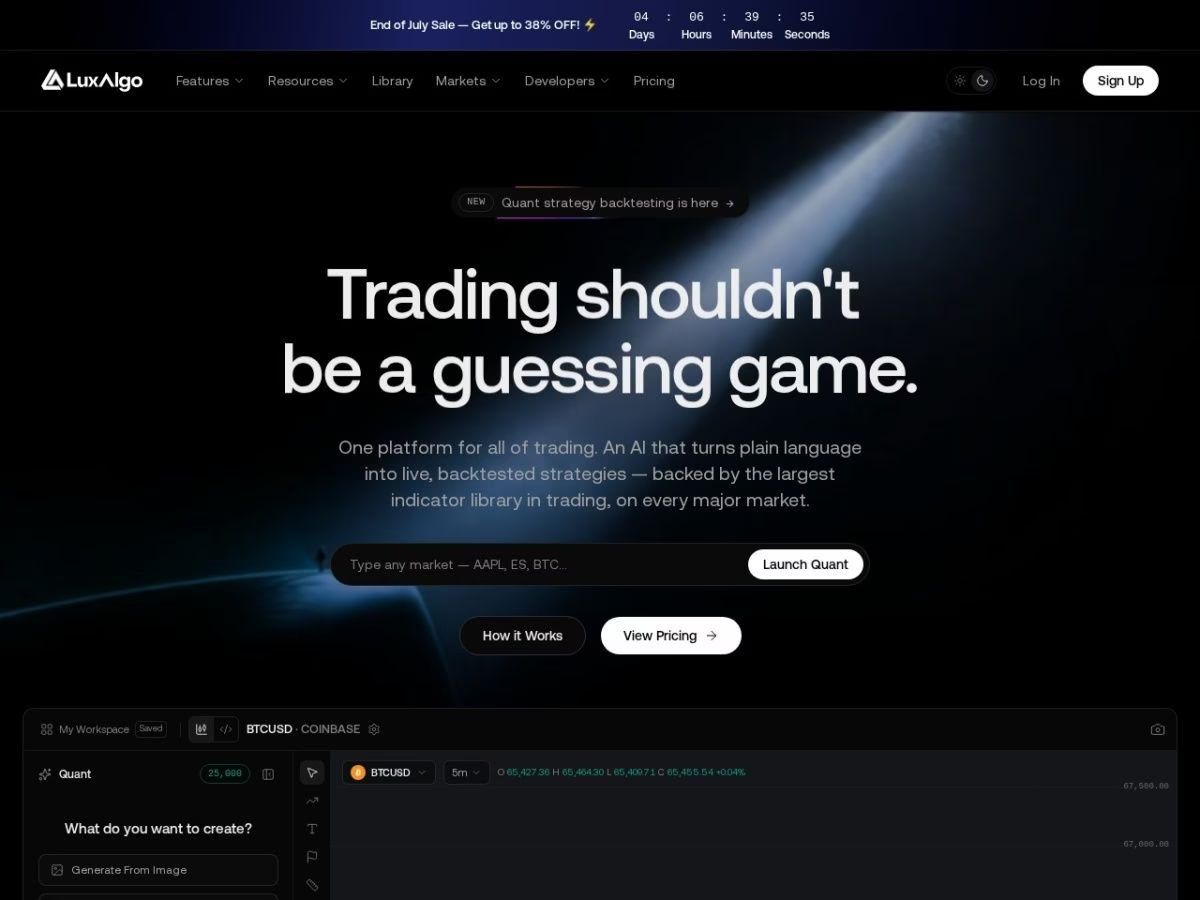
LuxAlgo is a widely followed premium indicator provider on TradingView, with over 1.3 million followers. Their platform is built around Quant, an AI engine that turns plain-language prompts (“pull up a breakout strategy with a 2:1 reward-to-risk”) into live, backtested Pine strategies, explains its own reasoning, and can even rebuild a strategy from a chart screenshot.
Key tools offered:
- Quant: The new flagship AI layer — generates, backtests, and explains trading strategies from natural-language prompts or an uploaded chart image.
- Algos: LuxAlgo’s indicator library, built around Signals & Overlays (buy/sell signals, candle coloring, volatility and confirmation tools), the Oscillator Matrix, and Price Action Concepts (PAC) — market structure shifts, order blocks, liquidity grabs, and CHoCH/BOS.
- PineTS: An open-source tool for developers that runs Pine Script logic outside TradingView (e.g., in JavaScript).
Why traders use it:
- Professional-grade visuals and performance
- Large community (150,000+ Discord members)
- High Trustpilot rating and ongoing development
- Suitable for all markets including crypto, forex, and indices
Access via luxalgo.com. Premium and Ultimate plans run on AI-credit allowances; scripts are invite-only after subscription.
4. Zeiierman – Advanced Smart Money and Trend Tools
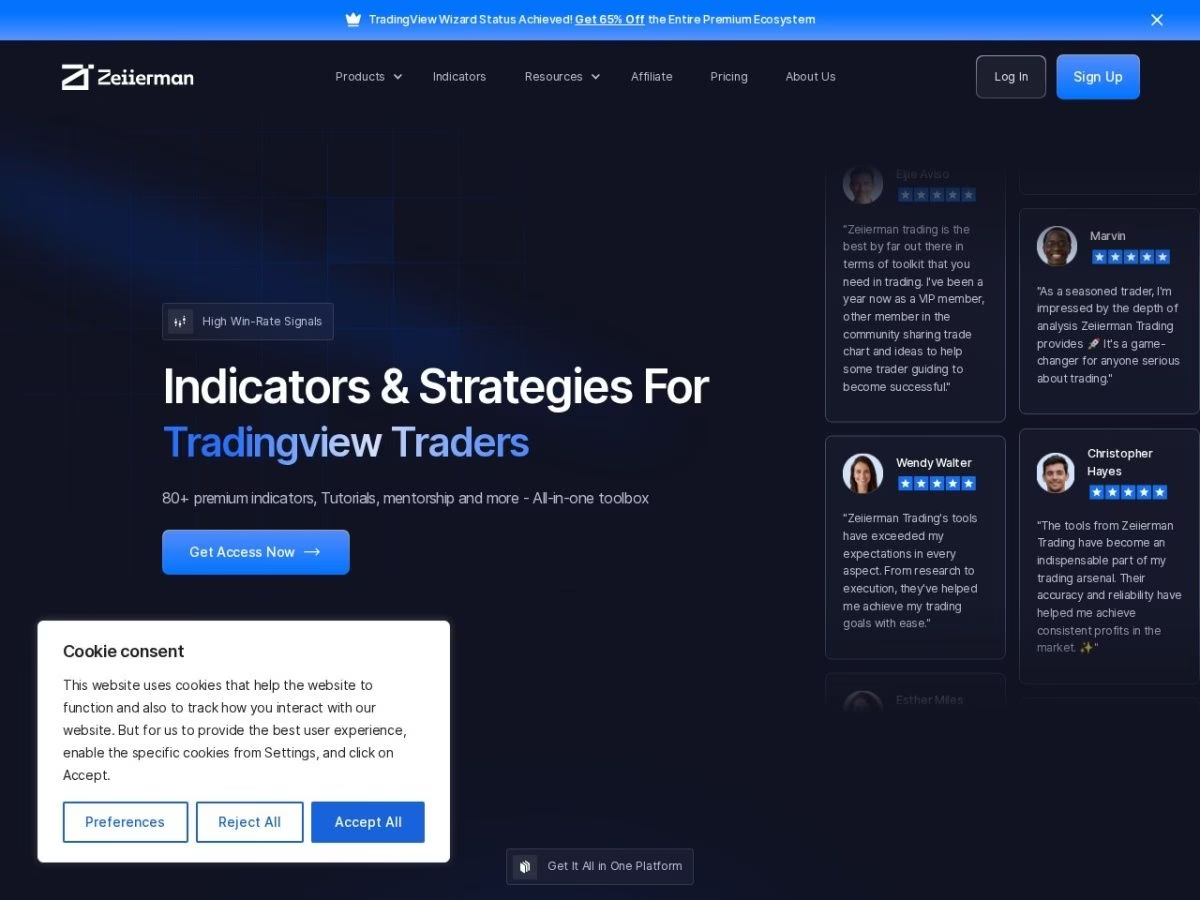
Zeiierman is well known for creating professional, easy-to-use indicators focused on smart money concepts and trend detection, with over 150,000 TradingView followers. It has become a widely recommended alternative among premium providers, especially in Reddit and TradingView communities. The lineup is organized around toolkits rather than single indicators.
Featured toolkits:
- Market Structure and Price Action Toolkit: Now houses the smart-money and liquidity concepts (order blocks, fair value gaps, CHoCH, BOS) that used to be split across separate tools.
- Trend & Pullback Toolkit and Oscillator Toolkit: Adaptive trend detection with dynamic support/resistance, plus momentum-based entries.
- Buy & Sell Toolkit: Combined signal system for entries and exits.
- Pattern Forecast, Predictive Smart Cloud, and Wave Rider Smart Cloud: Newer additions using statistical modeling and AI for trend/price projection.
Everything rolls up into the Trader Pro Suite (80+ indicators) or the Investor Pro Suite (fundamentals and portfolio tools). The older free Liquidity Hunter Heatmap script is still available separately on TradingView.
Access via zeiierman.com.
5. BigBeluga – Algorithmic Momentum Specialist
BigBeluga is a well-known TradingView author whose open-source and premium scripts focus on momentum, volume flow and algorithmic trend detection, with just under 100,000 TradingView followers and growing.
Popular indicators:
- Commodity Trend Reactor – a CCI-based oscillator that adds automatic trailing stops and reversal markers for clear trend confirmation.
- Whalemap – plots “whale” buy/sell bubbles when volume spikes reveal large orders, helping traders spot accumulation or distribution zones.
- Gaussian Filter – smooths price with a Gaussian kernel, then signals directional shifts for cleaner entries and exits.
Premium toolkits:
BigBeluga’s paid membership bundles Market Waves Pro™, Market Core Pro™ and Nautilus™ (formerly the Market Waves Toolkit, Market Core Toolkit and Beluga Nautilus Oscillator), plus newer additions like the Ultimate RSI Suite™, Ultimate MACD Suite™, and Market Echo Screener — all with 24/7 support and a private Discord/Telegram community.
Why traders choose BigBeluga:
- Transparent open-source code for core indicators; premium upgrades for deeper analytics
- Blend of momentum, volume and reversal logic useful across crypto, forex and indices
- Regular updates and active community channels
Access: Add open-source scripts directly from TradingView’s public library, or subscribe at bigbeluga.com for premium invite-only tools.
6. Flux Charts – Premium Suite for Multi-Market Traders
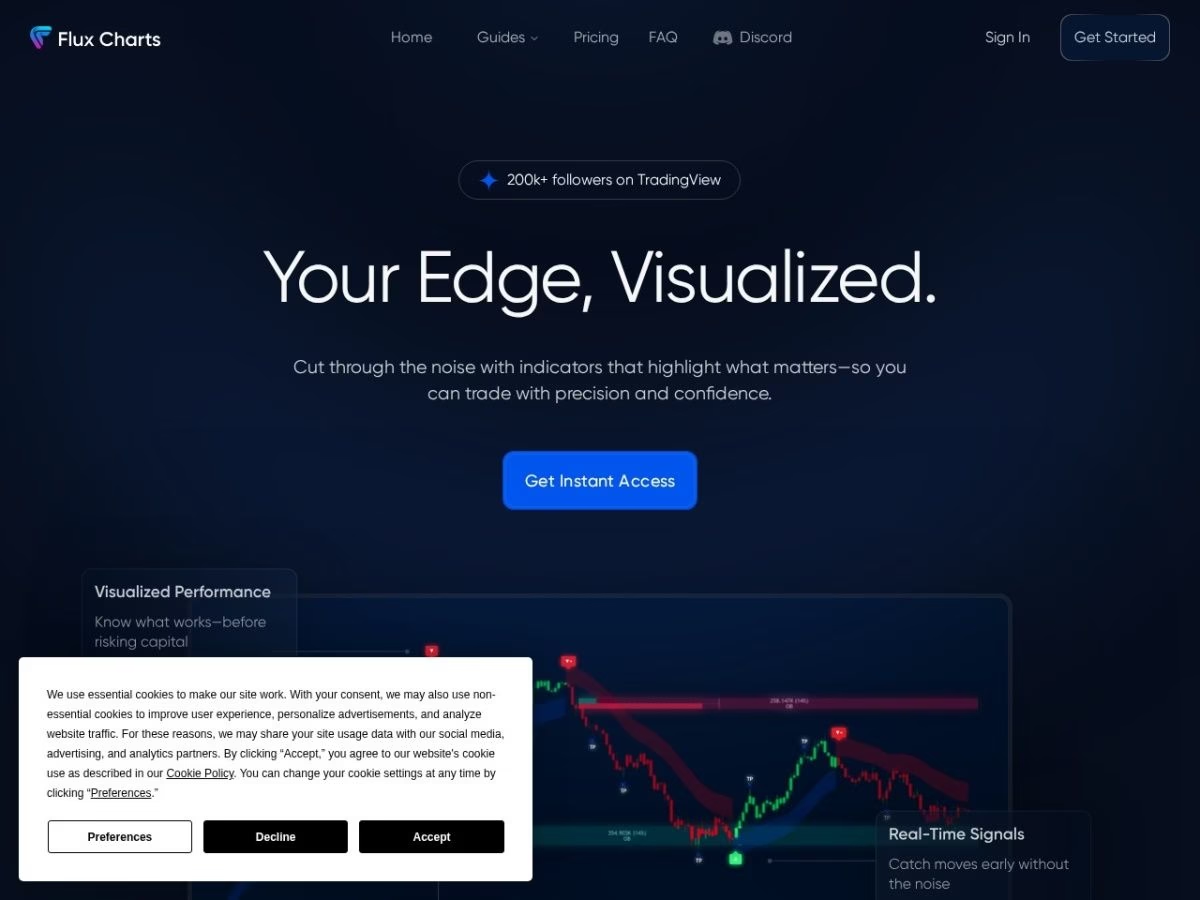
Flux Charts provides an all-inclusive set of invite-only TradingView indicators aimed at forex, crypto and futures traders who want supply-demand, price-action and algorithmic signals in one package, with over 230,000 TradingView followers.
Flagship tools:
- SFX Algo – non-repaint buy/sell signals with a 1-to-5 confidence rating and real-time alerts.
- MTF Supply & Demand Zones – shows institutional zones on up to three time-frames simultaneously, with breakout/retest notifications.
- Price Action Toolkit – volumetric order blocks, breaker blocks, fair value gaps, liquidity grabs and a multi-ticker screener.
Why traders choose Flux Charts:
- Beginner-friendly setup guides, videos and 24/7 support
- Real-time mobile/desktop alerts for every signal or zone event
- 7-day money-back guarantee and a growing community of active users
- Works with the free version of TradingView; no platform lock-in
Pricing & access:
- Subscribe at fluxcharts.com; indicators are delivered as invite-only TradingView scripts
- Monthly, quarterly and yearly plans (with discounts up to 45%)
FAQ
What is a good free TradingView indicator?
The TradingView Public Library is a strong free option. It hosts thousands of community-built scripts covering moving averages, RSI, volume profile, and more, all searchable and installable directly on any TradingView chart. In addition, PickMyTrade’s own scripts (Fabio Valentini Pro Scalper, Order Block AI, Fair Value Gap Fill Probability) are also free and open-source.
What premium TradingView indicator providers are worth looking at?
In short, LuxAlgo, Zeiierman, BigBeluga, and Flux Charts each run active premium toolkits — LuxAlgo and Zeiierman focus on smart-money concepts and trend/reversal signals, BigBeluga on momentum and volume-flow tools, and Flux Charts on multi-timeframe supply/demand and price-action signals.
Are TradingView indicators free to use?
For instance, TradingView’s Public Library is entirely free, and PickMyTrade’s scripts are free and open-source, while providers like LuxAlgo, Zeiierman, BigBeluga, and Flux Charts sell premium indicator suites through TradingView’s invite-only script marketplace.
Can I automate a TradingView indicator or strategy?
Yes. Once an indicator generates an alert condition, you can connect that alert to a broker via a webhook using PickMyTrade, turning any TradingView signal into an automated trade without writing custom broker code.
Which TradingView indicator is good for smart money or order flow analysis?
Zeiierman’s toolkit is built specifically for smart money concepts and order-flow-style analysis, including liquidity zones, market structure shifts, and trend tools aimed at more advanced traders. PickMyTrade’s Order Block AI and Fair Value Gap Fill Probability scripts offer a free alternative for order-block and imbalance analysis.
What is a good TradingView strategy for scalping?
Scalpers often use 5-minute strategies with indicators like EMA, MACD, and custom volume-based entries — PickMyTrade’s Fabio Valentini Pro Scalper is a free, open-source example built specifically for NASDAQ scalping.
Are there AI-powered indicators for TradingView?
Yes — some providers offer AI-style tools for forecasting trends and optimizing signals, but results vary. PickMyTrade’s Order Block AI (K-Nearest Neighbors) and Fair Value Gap Fill Probability (Gaussian Naive Bayes) are free, open-source examples. Always backtest thoroughly.
Can I build my own strategy in TradingView?
Yes, TradingView supports custom Pine Script. You can build or modify open-source strategies using the Pine Editor.
Are invite-only indicators worth it?
Invite-only tools like LuxAlgo or Zeiierman offer advanced features and community support. They’re ideal if you’re looking for institutional-style analysis and don’t want to code.
Conclusion
The TradingView ecosystem offers a wide variety of indicators and strategies suitable for all experience levels — whether you’re a beginner looking for free tools or an advanced trader seeking professional-grade systems. Ultimately, from the open-source flexibility of the TradingView Public Library and PickMyTrade’s free AI-driven scripts to the premium toolkits from providers like LuxAlgo, Zeiierman, BigBeluga, and Flux Charts, there’s a solution that fits your trading style and market.
Each of these brings something different to the table:
- PickMyTrade offers free, open-source, AI-assisted scripts for order flow, order blocks, and fair value gaps — built to pair directly with automated execution.
- LuxAlgo and Zeiierman offer premium toolkits for trend, structure, and liquidity analysis.
- BigBeluga focuses on momentum, divergence, and volume-based tools for clean algorithmic setups.
- Flux Charts delivers a complete, multi-timeframe system for supply/demand, price action, and automated signals.
That said, indicators are only one part of a successful trading strategy. It’s essential to backtest thoroughly, understand the logic behind each tool, and use proper risk management.
If you’re exploring options for a specific asset, strategy, or timeframe, consider browsing TradingView’s script library, reading user reviews on Reddit or Trustpilot, or visiting provider websites directly.
And as always — do your own research before relying on any indicator or strategy. No tool guarantees profits, and the best results come from combining well-built tools with sound decision-making and consistent execution.
Take It Further: Automate Your TradingView Strategies with PickMyTrade
Once you’ve chosen the right indicator or strategy on TradingView, the next challenge is execution — especially if you’re managing multiple accounts or working through prop firm evaluations. Manual execution can lead to slippage, missed signals, and inconsistent results.
That’s where PickMyTrade comes in.
PickMyTrade connects directly to your TradingView strategies, enabling real-time, automated trade execution across supported brokers. No coding. No delays. Just reliable automation that keeps your strategy running exactly as intended.
Whether you’re scalping, swing trading, or running a fully automated system, PickMyTrade supports:
- Live and demo execution
- Multiple broker integrations including Rithmic, TradeStation, Interactive Brokers, and TradeLocker
- Lightning-fast strategy execution with zero lag from TradingView alerts
To start automating your TradingView strategies, visit PickMyTrade.io.
Using Tradovate? Head to PickMyTrade.trade for seamless Tradovate integration.
Want these strategies to trade on their own? See TradingView automation on Tradovate.






