
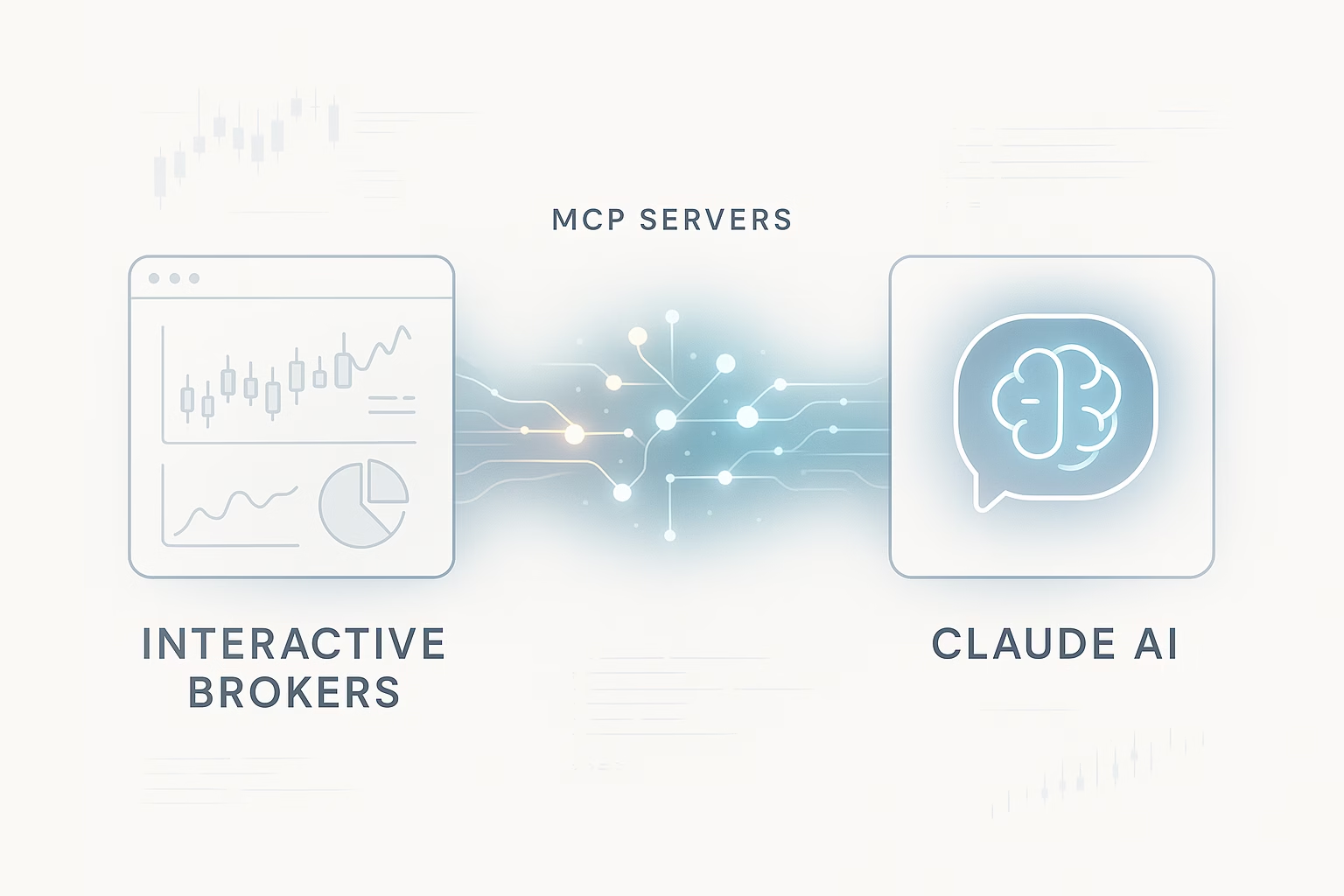
Interactive Brokers

How to Connect Interactive Brokers API with Claude AI Using MCP Servers
Automated Trading, Trading

How to Connect Interactive Brokers API with Claude AI Using MCP Servers

Introduction: AI-Powered Trading Analysis Made Simple Are you looking to leverage artificial intelligence for your Interactive Brokers trading workflow? Whether you need market data analysis, portfolio insights, or automated trading strategies, connecting your IB account to Claude AI through MCP (Model Context Protocol) servers opens up powerful possibilities. In this comprehensive guide, we’ll show you

Tradovate Trade Copier Connect Trading view to Tradovate using PickMyTrade in United States (USA)
AUTOMATED TRADINGVIEW STRATEGIES

Automating Trading with Interactive Brokers: A Comprehensive Guide

Maximize Your Trading Efficiency with Automation Introduction to Automated Trading This tutorial shows a custom scanning application connected to Interactive Brokers Trader Workstation (TWS). The recording uses an IBKR paper-trading account to demonstrate the scan settings and example orders. Understanding the Scanner Tool The IBKR market scanner identifies stocks that match the selected filters. The

AUTOMATED TRADINGVIEW STRATEGIES

Interactive Brokers Stock Scanner: A Custom Paper-Trading Demo

This walkthrough follows a custom stock-scanner application the presenter connects to Interactive Brokers Trader Workstation (TWS). The order examples use an IBKR paper-trading account. The presenter offers the application separately at the end of the video. How the custom scanner works The example combines the scanner in TWS with a locally configured application. The scanner

error

Follow us for more insights and updates

Scroll to Top
Rated 4.6/5 by 83+ traders on Trustpilot
Verified by MonsterInsights