Tradovate Outage With Open Positions: What Still Works and What to Check
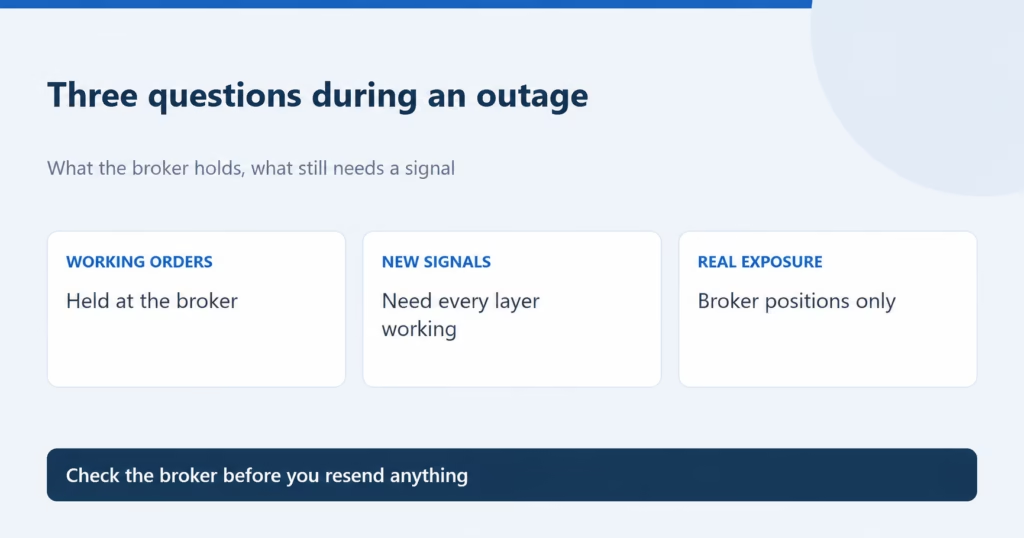
During a Tradovate outage, do not assume that an open position has closed. First distinguish a local internet or device failure from a TradingView/webhook failure and from a broker or exchange disruption. Tradovate says orders already held at the exchange or on its servers do not depend on your device. That does not guarantee execution