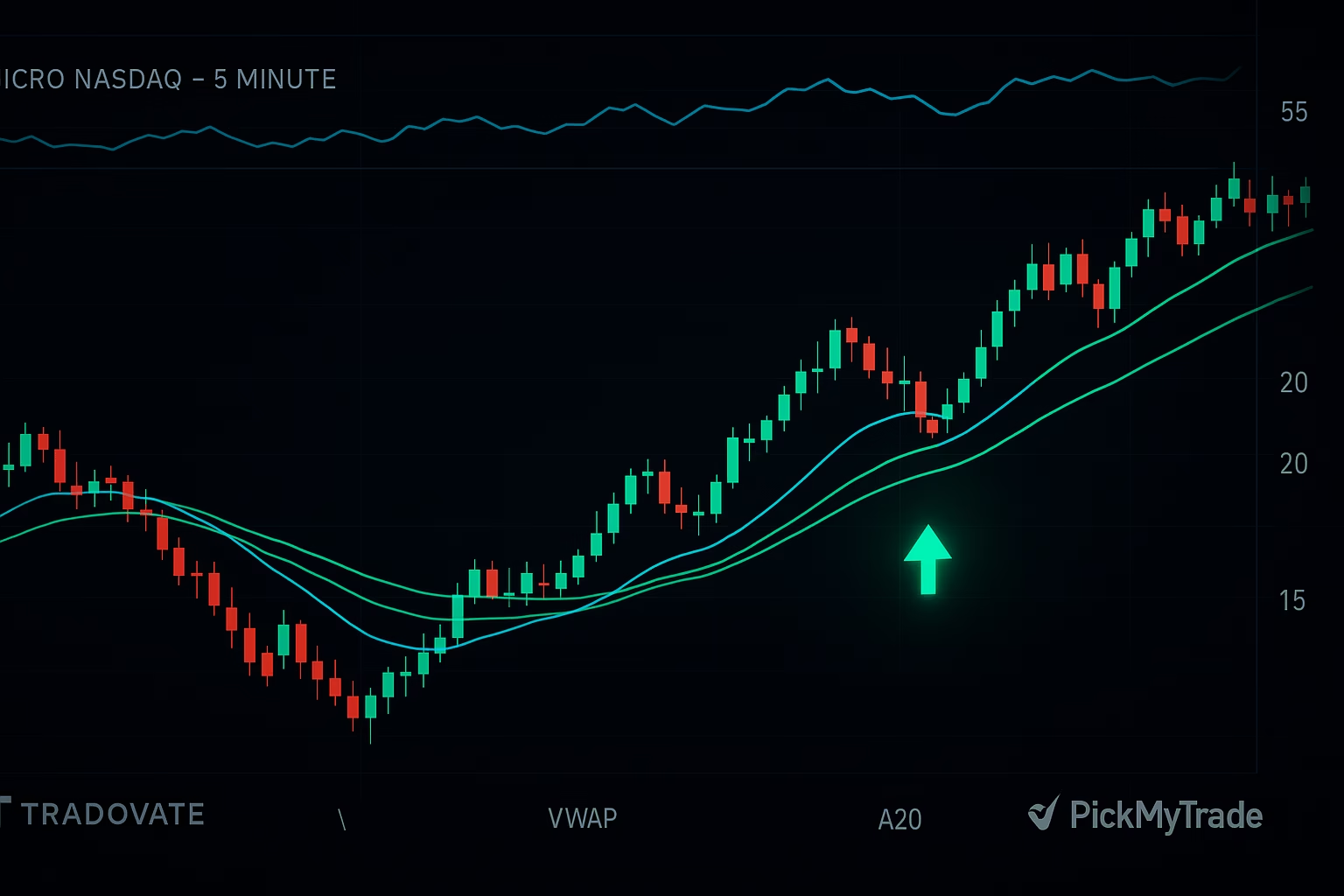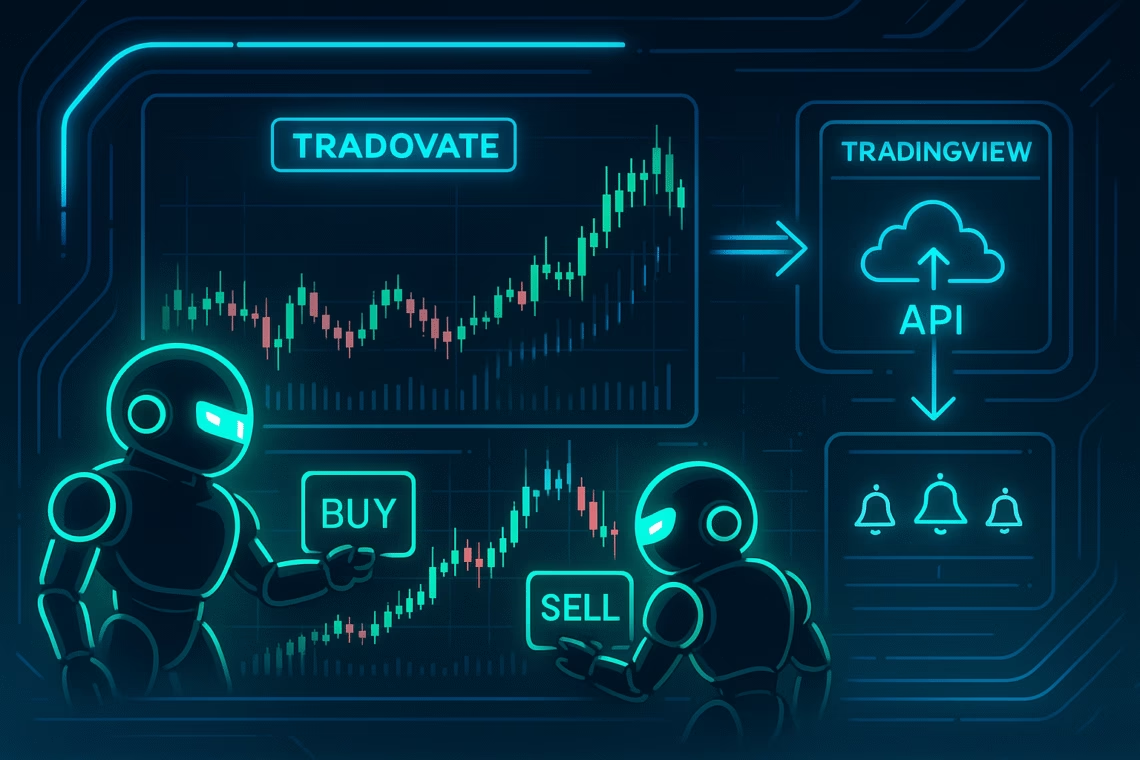
In the fast-paced world of futures trading, Tradovate bots are revolutionizing how traders operate. As of December 2025, Tradovate—a leading cloud-based futures brokerage—fully supports automated Tradovate strategies through its robust API, allowing seamless execution without constant manual oversight. Whether you’re scaling positions with dollar-cost averaging (DCA) bots or integrating signals from TradingView, Tradovate bots eliminate emotional biases and boost efficiency.
This guide dives deep into broker compatibility, recent API updates, and step-by-step integration. We’ll also spotlight PickMyTrade, a user-friendly platform for automated Tradovate that connects TradingView alerts to your broker in minutes—no coding required. Ready to automate? Let’s explore why Tradovate bots are a game-changer for prop firm traders and retail pros alike.
Does Tradovate Allow Trading Bots? Yes—With Key Rules
Absolutely, Tradovate permits Tradovate bots for live and demo accounts, as confirmed in their 2025 platform notes. The broker’s API enables automated order placement, position management, and risk controls, but with safeguards: all automated orders must flag isAutomated: true to comply with CME Group regulations.
Recent updates (as of February 2024, with no major changes through 2025) include batch account creation for prop firms and direct entitlement assignments during user setup. This streamlines automated Tradovate for firms like Apex Trader Funding, where DCA bots are explicitly allowed in funded accounts. However, high-frequency trading (HFT) bots may face scrutiny—stick to indicator-based strategies for compliance.
Pro tip: Start in simulation mode to test Tradovate bots risk-free. Tradovate’s two-week free demo supports full API access, mirroring live conditions.
Broker Compatibility for Tradovate Bots: Seamless Integrations
Broker compatibility is a cornerstone of successful automated Tradovate setups. Tradovate excels here, partnering with prop firms and third-party tools for frictionless bot deployment. Here’s a breakdown:
| Broker/Platform | Compatibility Highlights | Best For |
|---|---|---|
| Apex Trader Funding | Direct API integration; supports DCA and signal-based bots via TradersPost. | Prop firm evaluations with multi-account automation. |
| Topstep | Funded accounts via Tradovate sub-accounts; PickMyTrade handles alerts for OCO brackets. | Day traders scaling to $150K accounts. |
| Take Profit Trader (TPT) | Webhook automation; supports stop-loss/take-profit as OCO orders. | Beginners automating TradingView indicators. |
| NinjaTrader | NT8 bridge for CQG data; custom scripts translate Pine to TradeScript. | Advanced coders building low-latency bots. |
| TradingView | Native add-on; alerts route to bots via PickMyTrade or SignalStack. | Visual strategy creators. |
For broker compatibility, Tradovate’s cloud architecture shines—sub-second execution (200-300ms) works across these platforms, though pros recommend backups like NinjaTrader for volatility spikes. No API add-on fee needed with partners like PickMyTrade, saving $25/month.
Complete Integration Guide: Setting Up Automated Tradovate Bots
Building Tradovate bots starts with the API. Tradovate’s REST + WebSocket setup (v1.0.0) powers everything from simple alerts to complex multi-bracket strategies. Here’s your step-by-step blueprint, updated for 2025.
Step 1: Prerequisites for Tradovate API Access
- Fund a live account (≥$1,000 equity).
- Enable API in the Trader UI (under Settings > API Access)—no extra cost for basic use.
- Generate keys: Client ID, Secret, and Device ID.
Test in demo: POST to https://demo.tradovateapi.com/v1/auth/accesstokenrequest with your creds for a bearer token.
Step 2: Authentication and Token Management
Use OAuth-style tokens:
- Get Token: POST /auth/accesstokenrequest → { “accessToken”: “your_bearer” }.
- Renew: POST /auth/renewaccesstoken before expiry (1-hour limit).
- Header: Authorization: Bearer <token>.
Rate limits: 429 errors trigger back-off; one WebSocket per user.
Step 3: Core API Calls for Bot Execution
Leverage these for automated Tradovate:
| Action | Endpoint | Sample Payload |
|---|---|---|
| Place Order | POST /order/placeorder | { “accountId”: 123, “symbol”: “ESZ25”, “action”: “Buy”, “orderQty”: 1, “orderType”: “Market”, “isAutomated”: true } |
| OCO Bracket | POST /order/placeoco | Two linked orders for stop/take-profit. |
| Strategy Start | POST /orderStrategy/startorderstrategy | JSON params for multi-leg automation. |
| Position Liquidate | POST /order/liquidatepositions | Close all by ID list. |
Subscribe to real-time via WebSocket: wss://live.tradovateapi.com/v1/websocket for quotes, fills, and DOM updates.
Step 4: Risk Management in Your Tradovate Bots
Set limits pre-launch:
- Position Caps: POST /userAccountPositionLimit/create (e.g., long: 5 contracts).
- Auto-Liq: POST /userAccountAutoLiq/update (daily loss: 5%).
- Monitor via WS pushes—no polling needed.
Step 5: Testing and Deployment
- Replay mode: wss://replay.tradovateapi.com for historical sims.
- Go live: Sync with syncRequest for state.
For non-coders, skip API hassle—use tools below.
Click Here To Start Futures Trading Automation For Free
Spotlight: PickMyTrade for Effortless Automated Tradovate
Enter PickMyTrade: the no-code powerhouse for Tradovate bots. This platform automates TradingView alerts to Tradovate (and Rithmic/IBKR) with millisecond precision, executing 3M+ trades for 3,000+ users as of 2025. No API keys needed—it’s an authorized Tradovate vendor.
Why PickMyTrade Excels in Broker Compatibility
- Seamless Setup: Connect Tradovate login → Configure webhook in TradingView → Automate.
- Features: Unlimited strategies/accounts ($50/month); OCO brackets, partial fills, multi-prop support (Apex, Topstep).
- 2025 Updates: Enhanced partial exits for indicators; Discord community for prop-specific guides.
Quick Integration:
- Sign up at pickmytrade.trade (5-day free trial).
- Link Tradovate (demo/live).
- Generate alert message in PickMyTrade.
- Paste to TradingView → Go live.
Users rave: “Easiest TradingView-to-Tradovate bridge—fast support, no coding.” Ideal for automated Tradovate in prop challenges.
Other Top Tools for Tradovate Bots
- TradersPost: TradingView/TrendSpider signals to Tradovate; prop sync for Apex.
- SignalStack: Webhook converter for alerts; easy OCO setup.
- Custom Scripts: GitHub repos like dearvn’s trailing bot or Nordman Algorithms’ services.
Recent Updates on Tradovate Bots (2025 Edition)
- API Enhancements: Batch user/account creation for B2Bs; no HFT restrictions but emotion-free bots encouraged.
- Prop Firm Shifts: Apex greenlights more bots; Tradovate uptime hits 99.9% during volatility.
- Community Buzz: Reddit/X threads highlight Python tutorials and PickMyTrade reliability. Watch for NinjaTrader bridges in Q1 2026.
Conclusion: Unlock Profits with Tradovate Bots Today
Tradovate bots and automated Tradovate aren’t just allowed—they’re essential for 2025’s competitive edge. With strong broker compatibility, a developer-friendly API, and tools like PickMyTrade, you can automate confidently. Start small in demo, scale with prop firms, and watch consistency soar. Questions? Dive into the FAQs below or test PickMyTrade’s trial.
Ready to automate? Sign up for PickMyTrade or explore Tradovate’s API docs.
Frequently Asked Questions (FAQs) on Tradovate Bots
Does Tradovate allow trading bots in 2025?
Yes, via API for live/demo accounts. Flag orders as isAutomated: true and comply with risk rules.
What's the best tool for automated Tradovate with TradingView?
PickMyTrade—seamless webhook integration, unlimited strategies, and prop firm support.
Is API access free for Tradovate bots?
Basic yes; partners like PickMyTrade include it. Standalone add-on: $25/month for advanced features.
Can I use Tradovate bots with prop firms like Apex?
Absolutely—DCA and signal bots permitted; check firm rules for HFT.
Does PickMyTrade support multi-account Tradovate automation?
Yes—one subscription handles unlimited sub-accounts for props like Topstep or Apex.
Disclaimer:
This content is for informational purposes only and does not constitute financial, investment, or trading advice. Trading and investing in financial markets involve risk, and it is possible to lose some or all of your capital. Always perform your own research and consult with a licensed financial advisor before making any trading decisions. The mention of any proprietary trading firms, brokers, does not constitute an endorsement or partnership. Ensure you understand all terms, conditions, and compliance requirements of the firms and platforms you use.
Also Checkout: Automate TradingView Indicators with Tradovate Using PickMyTrade