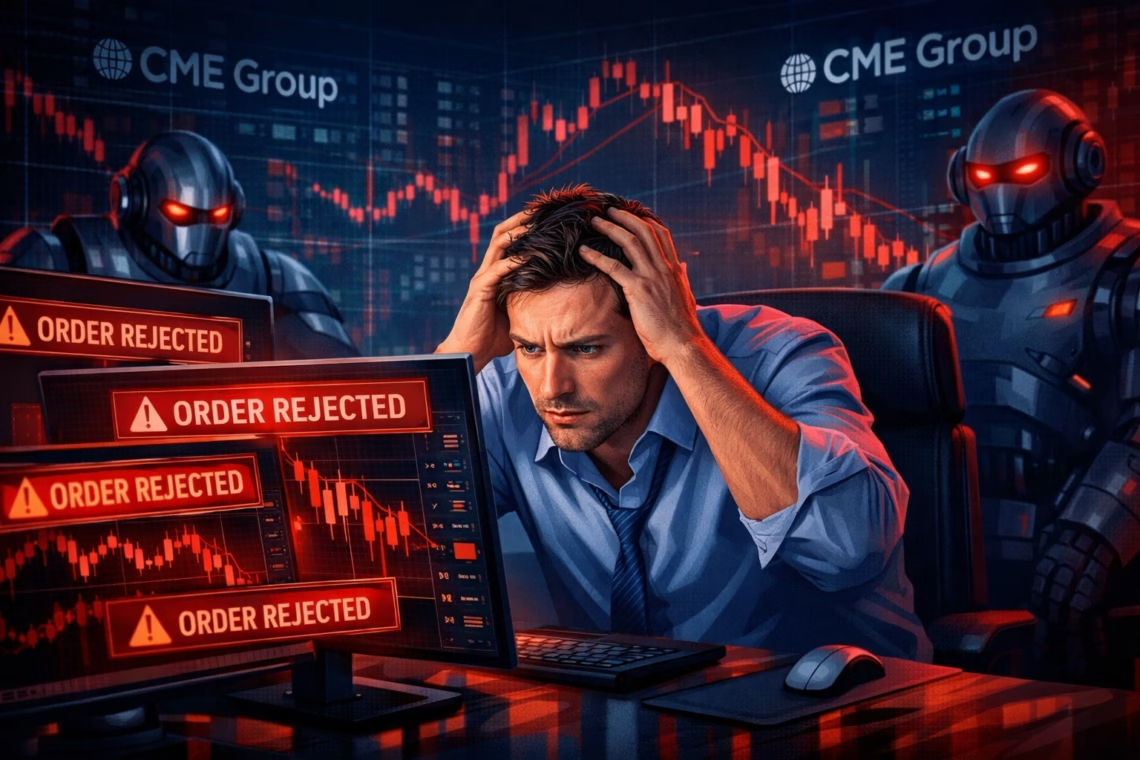
In the fast-paced world of US futures markets, rejected orders can disrupt even the most carefully planned strategies. Whether you’re day trading E-mini S&P 500 (ES) or automating micro contracts, understanding why brokers reject automated orders is crucial for consistent execution.
As of 2026, with evolving exchange rules from CME Group, broker API limits, and heightened volatility, rejected orders remain a top frustration for algorithmic and automated traders. This guide explores the main causes, recent updates, and practical solutions—including how tools like PickMyTrade help minimize rejected orders in US futures trading.
Common Reasons for Rejected Orders in Futures Trading
Brokers and exchanges like CME Group reject orders to maintain market integrity, prevent risk, and comply with regulations. Here are the primary culprits:
- Insufficient Margin or Buying Power One of the most frequent causes of rejected orders is inadequate margin. Futures require initial and maintenance margins, and brokers often enforce stricter requirements than exchange minimums. Even if your dashboard shows sufficient funds, discrepancies in real-time calculations can trigger rejections—especially for automated orders scaling positions quickly.
- Position or Contract Limits Exceeded Many brokers impose max position limits, particularly for prop firms or retail accounts. Attempting to open beyond these (e.g., too many contracts) results in rejected orders. In 2025-2026, platforms like Tradovate have tightened these for risk control.
- Invalid or Aggressive Order Parameters Orders too far from the current market price, incorrect stop placements (e.g., buy stop below market), or aggressive limits often get rejected. Exchanges may block them to avoid aberrant pricing or if bid-ask spreads are too wide in illiquid conditions.
- API and Rate Limits in Automated Trading Automated systems hit broker API throttles (e.g., Tradovate’s 500 requests/minute), causing “Too Many Requests” errors and rejected orders. High-frequency submissions or rapid modifications exacerbate this.
- Market Conditions and Volatility During spikes, orders may reject due to no quotes available, liquidity issues, or exchange protections. Stop orders can slip or fail in gapping markets.
- Account Restrictions or Setup Issues Missing paperwork, unapproved futures access, expired contracts, or lack of market data subscriptions (e.g., CME feeds) lead to rejections. Incorrect symbols or disconnected accounts also play a role.
Recent Updates on Rejected Orders (2025-2026)
In recent years, regulatory scrutiny has increased:
- CME Group continues enforcing rules against disruptive practices (Rule 575), rejecting orders that appear manipulative or lack bona fide intent.
- Brokers like Tradovate updated handling in 2025 for max position breaches, no-quote errors, and API overloads.
- Volatility-driven rejections rose with market events, prompting better pre-validation in automation tools.
- No major bans on automated trading in US futures, but compliance with manual/automated tagging (FIX Tag 1028) remains key.
These changes highlight the need for robust pre-checks in automated setups.
Click Here To Start Futures Trading Automation
How to Avoid Rejected Orders in Automated Futures Trading
To reduce rejected orders:
- Validate Margin & Limits Pre-Submission — Always simulate orders.
- Use Reliable Automation Tools — Platforms that handle validation server-side prevent common pitfalls.
- Throttle Requests & Monitor — Space out automated signals.
- Choose Compatible Brokers — Tradovate, Rithmic, or Interactive Brokers with strong API support.
- Test Thoroughly — In sim accounts first.
PickMyTrade excels here for US futures automation. This no-code tool connects TradingView strategies to brokers like Tradovate via webhooks, validating orders before submission to avoid API limits, adjust quantities/symbols automatically, and ensure compliant execution. With low latency (~50ms) and features like OCO brackets, trailing stops, and risk checks, PickMyTrade has processed millions of executions while minimizing rejected orders from Tradovate issues like position breaches or invalid parameters. It’s ideal for automating futures on US markets without coding headaches.
Most Asked FAQs
Why do I get rejected orders even with enough buying power?
Margin calculations differ from displayed power; open positions or real-time requirements can cause shortages.
Can automated trading cause more rejected orders?
Yes, due to rate limits or rapid submissions—but tools like PickMyTrade validate to prevent this.
What causes Tradovate rejected orders in 2026?
Common issues include max position limits, no quotes, API overloads, or missing data subscriptions.
How do I fix stop orders getting rejected?
Ensure correct placement (buy stops above market, sell below) and check volatility.
Disclaimer:
This content is for informational purposes only and does not constitute financial, investment, or trading advice. Trading and investing in financial markets involve risk, and it is possible to lose some or all of your capital. Always perform your own research and consult with a licensed financial advisor before making any trading decisions. The mention of any proprietary trading firms, brokers, does not constitute an endorsement or partnership. Ensure you understand all terms, conditions, and compliance requirements of the firms and platforms you use.
Also Checkout: Automate TradingView Indicators with Tradovate Using PickMyTrade