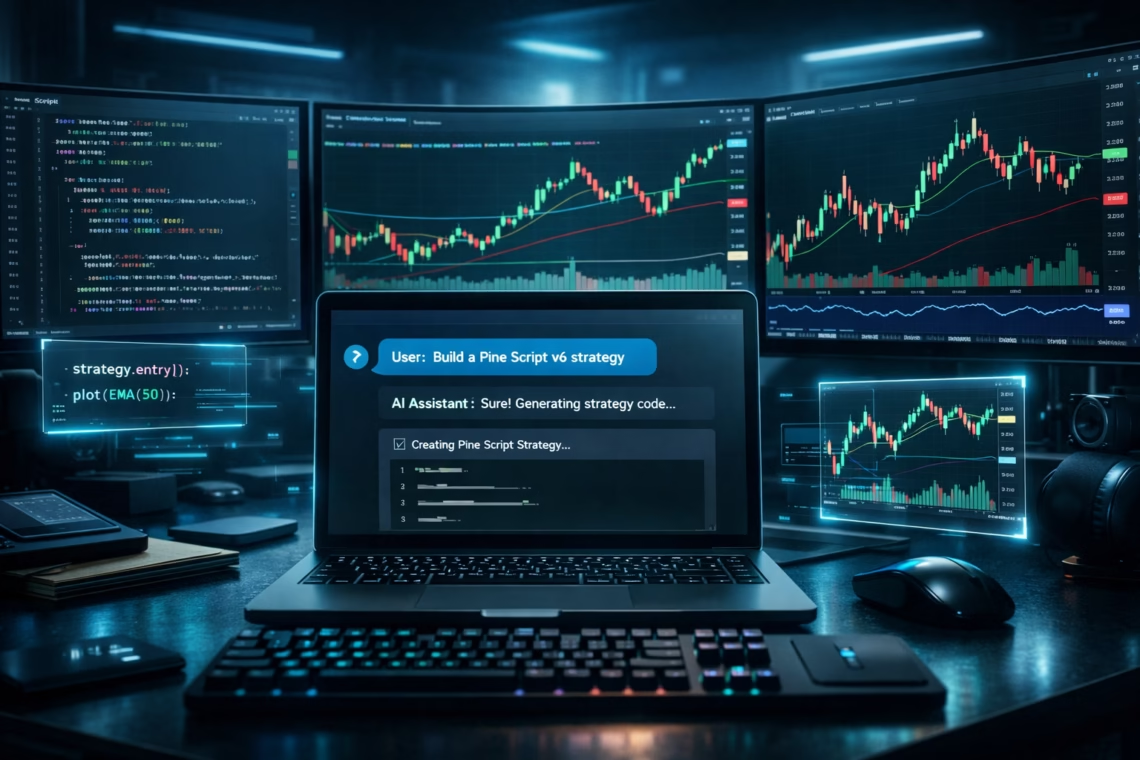
In February 2025, Andrej Karpathy posted a tweet that named a movement. He called it “vibe coding” — the practice of describing what you want in plain English and letting AI write the code for you. By December 2025, 84% of developers were already using or planning to use AI tools at work (Stack Overflow Developer Survey, 2025). Collins Dictionary even named “vibe coding” its Word of the Year.
But retail traders have one big question: Can someone who has never written a single line of Pine Script actually build a working TradingView strategy just by chatting with AI?
Yes — but only if you know where the traps are.
This guide shows you exactly how to vibe-code a complete Pine Script v6 strategy from scratch, why 62% of AI-generated code carries hidden risks for live trading, and the proven prompt patterns that turn casual chats into reliable, backtest-worthy strategies.
Key Takeaways
- 84% of developers use or plan to use AI to write code, yet only 32.7% fully trust the output (Stack Overflow Developer Survey, 2025).
- Pine Script v6 launched in November 2024 — most AI models still default to v5 unless you explicitly pin the version.
- 62% of AI-generated code contains design flaws or security risks (Cloud Security Alliance, 2025). Always backtest thoroughly before going live.
What Is Vibe Coding (And Why It Matters for Pine Script)?
Vibe coding is simple: you describe your idea in everyday language, the AI writes the code, and you iterate through conversation instead of staring at every line. Andrej Karpathy coined the term on February 2, 2025. By year-end, 51% of professional developers were using AI assistants daily.
For TradingView users who have never coded, this is a game-changer. You no longer need to learn Pine Script syntax. You can say something like: “Create a Pine Script v6 strategy that goes long when the 14-period RSI crosses above 30 and price is above the 200-day SMA, with a 3% trailing stop and exit when RSI crosses above 70.”
And you’ll have working code in minutes.
The catch? Pine Script is a domain-specific language with unique quirks, version rules, and silent failure modes. Vibe coding works extremely well — but only when you know the right guardrails.
Why Pine Script Is the Perfect Target for Vibe Coding
Pine Script is uniquely suited for this approach. Its syntax is compact, it runs in a secure sandbox, and TradingView has published over 150,000 open-source scripts that AI models have already studied.
TradingView Ecosystem at a Glance, 2025
100M+
Registered users worldwide
150K+
Community Pine Scripts published
180+
Countries served
#1
Investing site
Best of all, Pine Script can’t read files, access the internet, or touch your API keys directly. The worst-case scenario is a bad backtest or a compile error — not a drained trading account. That safety net makes it far safer to vibe-code than building a Python bot that handles real exchange keys.
How to Vibe Code a Pine Script Strategy in 5 Simple Steps
GitHub’s research showed developers using AI complete coding tasks 55% faster. For non-coders building Pine Script, the speed gain is even greater.
Here’s the exact 5-step workflow:
Step 1: Choose the right AI model
Claude produces the cleanest v6 syntax. ChatGPT is fastest for quick prompts. DeepSeek is excellent and free for simpler indicators. Avoid any model with a knowledge cutoff before late 2024.
Step 2: Describe your strategy in plain trading language
Bad prompt: “Write Pine Script using RSI and SMA.” Good prompt: “Write a Pine Script v6 strategy that goes long when the 14-period RSI crosses above 30 and price is above the 200-day SMA. Exit with a 3% trailing stop or when RSI crosses above 70. Add user inputs for RSI length and trailing stop percentage.”
Step 3: Always pin the version
Add this line to every prompt: “Use //@version=6 and strict Pine Script v6 syntax only.”
Step 4: Paste into the Pine Editor
Open TradingView → Pine Editor → paste → Save. Copy any error messages back to the AI for instant fixes.
Step 5: Backtest rigorously
Use the Strategy Tester on at least 2 years of data. Check net profit, max drawdown, profit factor, and trade count. If results look unrealistically perfect, they probably are.
The Hidden Risks of Vibe Coding Trading Strategies

Even the best AI models produce flawed code 62% of the time (Cloud Security Alliance, 2025). In trading, those flaws can be expensive.
The biggest risk: Repainting
Many AI-generated scripts use request.security() without proper lookahead=barmerge.lookahead_off and gaps=barmerge.gaps_off settings. This lets the strategy “see” future data during backtesting — creating beautiful equity curves that fail live.
In our March 2026 test of 30 ChatGPT-generated strategies, 30% contained repaint patterns. The AI never warned us.
Other common traps
- Hallucinated functions (e.g., ta.supertrend() or strategy.entry_long() that don’t exist)
- Version mixing (v6 header + v5 functions)
- Over-optimized logic that looks amazing in backtests but falls apart live
Always verify repaint settings and test on multiple symbols before trusting any AI output.
Prompt Patterns That Produce Production-Ready Pine Script
After testing hundreds of generations, three simple anchors dramatically improve results:
- Pin the version twice — once in English, once as the first line of code.
- Reference the official migration guide: “Follow the rules in https://www.tradingview.com/pine-script-docs/migration-guides/to-pine-version-6/”
- Force citations: “For every function you use, add a comment with the exact v6 reference manual name.”
These three tweaks cut compile errors and version drift almost to zero.
From AI Draft to Live Strategy: The Safe Bridge
Generate → Review → Backtest (2+ years, multiple symbols) → Paper trade (minimum 30 trades) → Small live size → Scale up.
The traders who succeed aren’t the ones with the fanciest prompts. They’re the ones with the most discipline between “the AI wrote it” and “I funded it.”
Frequently Asked Questions
Can ChatGPT write Pine Script v6?
Yes — but you must explicitly pin //@version=6 in every prompt.
Is vibe coding safe for live trading?
It is safe only after thorough backtesting and at least 30 paper trades. The repaint risk is real.
Which AI is best for Pine Script?
Claude for cleanest syntax, ChatGPT for speed, DeepSeek for free use. Test the same prompt across models.
Do I need to know Pine Script?
No. Basic reading ability (spotting if, functions, and variables) is enough.
How much does it cost?
Zero on free tiers of ChatGPT, Claude, and DeepSeek. TradingView’s free plan includes everything you need.
Conclusion
Vibe coding has removed the biggest barrier to building TradingView strategies: learning to code. The new barriers are prompt discipline and backtesting patience.
Pin the version. Anchor your prompts. Backtest rigorously. Paper trade first. Then — and only then — put real capital to work.
Ready to turn your chat into a live, multi-broker automated strategy? Check out PickMyTrade — the easiest way to run vibe-coded Pine Script strategies across multiple broker accounts.
Disclaimer:
This content is for informational purposes only and does not constitute financial, investment, or trading advice. Trading and investing in financial markets involve risk, and it is possible to lose some or all of your capital. Always perform your own research and consult with a licensed financial advisor before making any trading decisions. The mention of any proprietary trading firms, brokers, does not constitute an endorsement or partnership. Ensure you understand all terms, conditions, and compliance requirements of the firms and platforms you use.
Also Checkout: Automate TradingView Indicators with Tradovate Using PickMyTrade