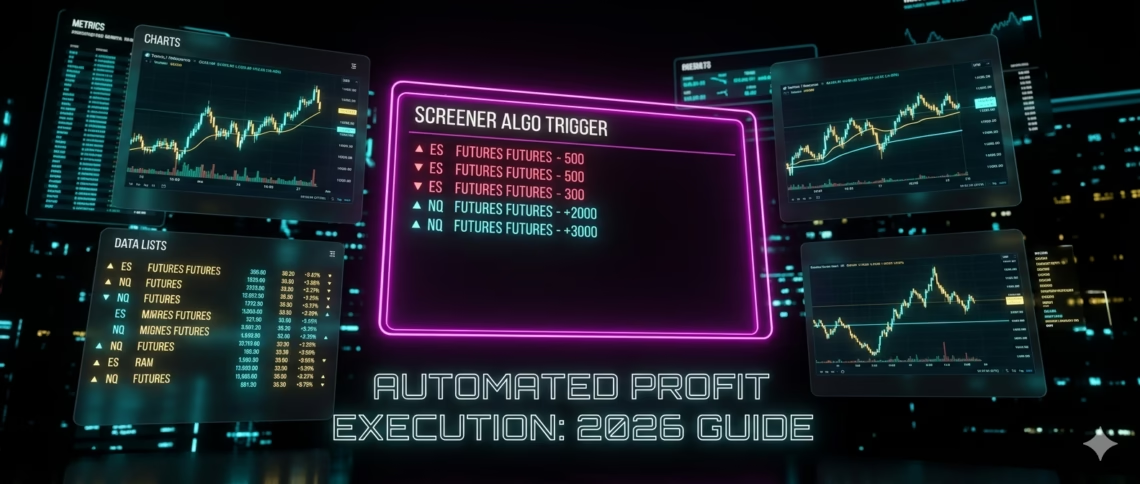
In the fast-paced world of algorithmic trading, TradingView Screener algos have emerged as a game-changer for traders seeking precision, scalability, and hands-free execution. Whether you’re scanning thousands of assets or building custom strategies, these tools bridge the gap between discovery and automated profits—especially in high-liquidity US futures markets.
This updated 2026 guide walks you through everything: from creating powerful TradingView Screener algos with Pine Script v6 to seamless auto execution via platforms like PickMyTrade. No coding expertise required for the final steps, and results you can implement today.
What Are TradingView Screener Algos?
TradingView Screener algos combine TradingView’s powerful stock, crypto, and futures screeners with custom Pine Script logic to filter opportunities in real time. Unlike basic filters, these algos use indicators, alert conditions, and strategies to scan watchlists dynamically.
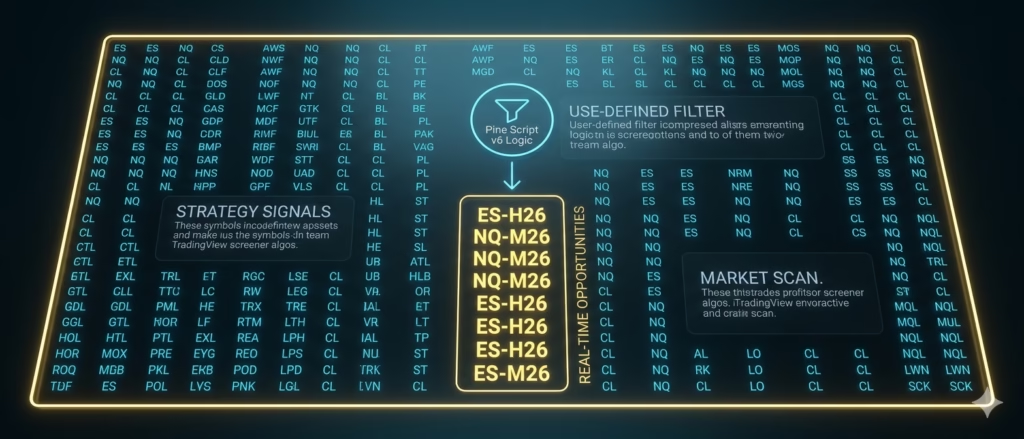
Key advantages:
- Scan entire markets or custom watchlists in seconds.
- Incorporate technicals like moving averages, volume profiles, or footprint data (new in Pine v6).
- Export results directly to charts or watchlists for deeper analysis.
As of April 2026, TradingView’s Pine Screener remains the standout for custom work. It supports your favorite indicators (built-in, community, or personal scripts) and runs on fixed timeframes from 1-minute to monthly—perfect for intraday futures or swing setups.
Recent Updates Transforming TradingView Screener Algos (2026)
TradingView continues to evolve Pine Script and screening tools:
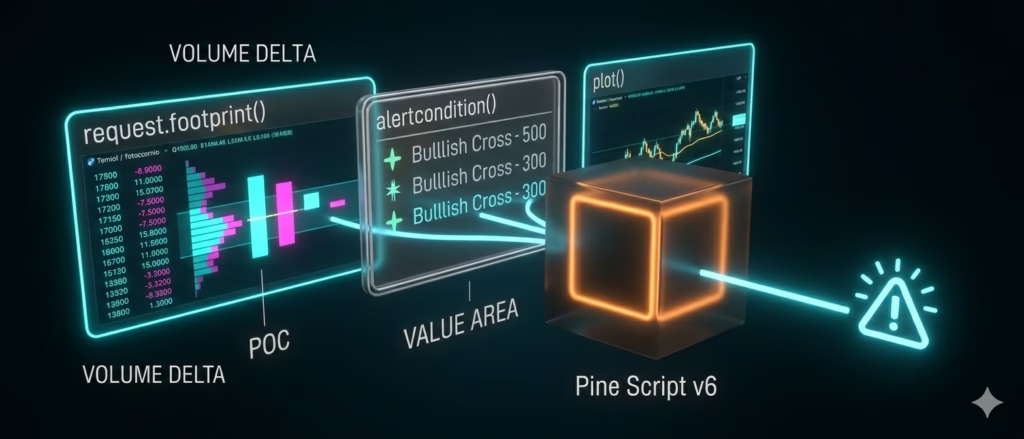
- Pine Script v6 (launched late 2025, with January 2026 footprint updates): New request.footprint() function unlocks volume delta, Point of Control (POC), and Value Area data. This supercharges TradingView Screener algos for order-flow based strategies in futures.
- Enhanced Pine Screener: One-indicator-per-scan but with full support for alertcondition() and plots—ideal for turning screeners into strategy triggers.
- Improved alert system: Webhooks now handle richer JSON payloads for precise auto execution.
- No native broker auto-trading yet (strategies remain backtest-only), but webhook integration has never been smoother.
These updates make TradingView Screener algos more reliable and non-repainting than ever—critical for live markets.
Step-by-Step: Building Your First TradingView Screener Algos
- Choose or Create Your Pine Script Start in the Pine Editor. Use a simple SMA crossover or advanced volume-profile script. Example structure (v6 compatible):text
//@version=6 indicator("My Screener Algo", overlay=true) // Add your logic here alertcondition(crossover(sma(close,9), sma(close,21)), title="Bullish Cross", message="Buy Signal on {{ticker}}") - Set Up the Pine Screener Favorite your script → Open Pine Screener → Select watchlist (e.g., US futures symbols) → Apply filters on plots or alerts. Scan runs in seconds.
- Convert to Strategy for Backtesting Switch to strategy() mode. Test win rate, drawdown, and profitability before going live.
- Create Alerts Right-click the chart → Add Alert → Condition: Your strategy or indicator. Enable webhook for automation.
Pro tip: Use dynamic placeholders like {{ticker}}, {{strategy.order.action}}, and {{close}} in alert messages for broker-ready signals.
From TradingView Screener Algos to Auto Execution: The Missing Link
TradingView excels at analysis but stops short of live order placement. That’s where third-party automation shines—especially for US futures trading on platforms like Tradovate, Rithmic, or IBKR.
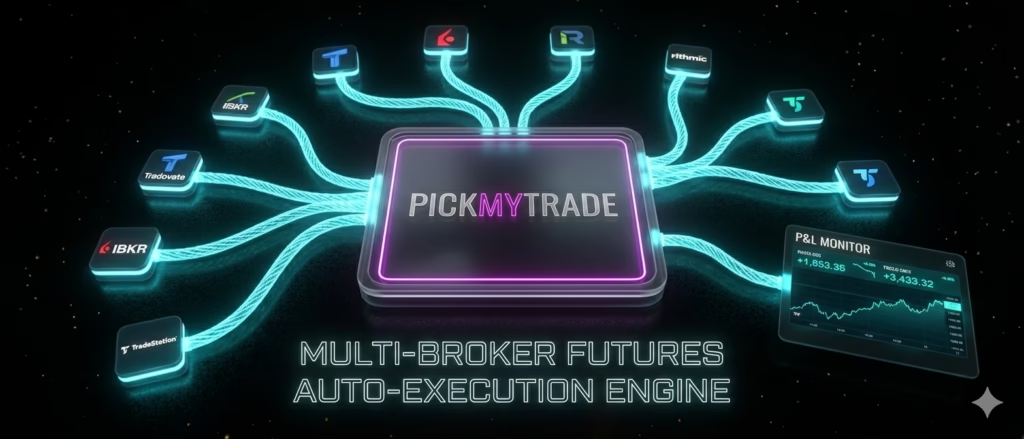
Enter PickMyTrade: The no-code leader for TradingView automation in 2026. Built specifically for futures traders, it turns your TradingView Screener algos into 24/7 live executions with sub-millisecond speed.
Click Here To Automate Futures Trading
Why PickMyTrade Powers TradingView Screener Algos for US Futures
PickMyTrade stands out for futures-focused traders scanning ES, NQ, YM, RTY, and more:
- One-click broker connection: Tradovate (demo/live/prop), Rithmic, IBKR, TradeStation, TradeLocker, and 8+ prop firms.
- Webhook simplicity: Generate JSON-ready alert templates in their dashboard. Paste into TradingView—no custom servers or VPS needed.
- Futures-specific superpowers:
- Cross-symbol mapping (e.g., alert on NQ → trade MNQ micro contracts).
- Advanced risk management: % risk sizing, SL/TP, OCO, per-symbol presets.
- Multi-account scaling: Route one alert to 20+ prop accounts simultaneously.
- Cloud-based & reliable: Runs 24/7. No computer required after setup. Handles rollover policies automatically.
- Pricing: Starts at $50/month (Basic) with unlimited alerts; higher tiers unlock unlimited tickers and priority support. Free 5-day trial.
Real-world workflow:
- Connect your Tradovate/IBKR account in PickMyTrade.
- Generate your alert setup (it auto-creates the exact JSON for buy/sell).
- Paste webhook URL + message into your TradingView alert.
- Your TradingView Screener algos now execute live—whether scanning for breakouts or volume spikes.
Thousands of traders already use this for emotion-free, scalable futures automation.
Best Practices for Profitable TradingView Screener Algos + Auto Execution
- Backtest thoroughly in TradingView’s Strategy Tester using Pine v6.
- Start small: Paper trade via broker demo accounts first.
- Layer risk rules: Never risk more than 1% per trade.
- Monitor via PickMyTrade’s dashboard—track P&L across accounts in real time.
- Combine screeners with alerts for hybrid setups (scan → chart → auto-execute).
Traders using TradingView Screener algos with PickMyTrade report consistent edge in volatile 2026 markets—especially US index futures.
Ready to Automate Your Edge?
TradingView Screener algos + smart automation = the closest thing to set-and-forget professional trading. With PickMyTrade handling US futures execution, you spend less time glued to charts and more time scaling results.
Sign up for PickMyTrade’s free trial today and turn your screeners into live trades. The 2026 markets wait for no one—automate now.
Most Asked FAQs
Can TradingView execute trades automatically from screeners?
No—TradingView screeners and strategies are for analysis and backtesting only. You need webhook tools like PickMyTrade for live auto execution.
What’s the difference between standard screeners and Pine Screener?
Standard screeners use built-in filters; Pine Screener lets you scan with custom Pine Script indicators and alert conditions for truly algorithmic results.
Do I need coding skills for TradingView Screener algos?
Basic ones use community scripts. For advanced custom algos, simple Pine Script knowledge helps—but PickMyTrade makes execution no-code.
Is PickMyTrade safe for US futures trading?
Yes—cloud-based with encrypted connections, supports regulated brokers like Tradovate and IBKR, and includes robust risk controls. Used by thousands of prop and retail futures traders.
Disclaimer:
This content is for informational purposes only and does not constitute financial, investment, or trading advice. Trading and investing in financial markets involve risk, and it is possible to lose some or all of your capital. Always perform your own research and consult with a licensed financial advisor before making any trading decisions. The mention of any proprietary trading firms, brokers, does not constitute an endorsement or partnership. Ensure you understand all terms, conditions, and compliance requirements of the firms and platforms you use.
Also Checkout: Automate TradingView Indicators with Tradovate Using PickMyTrade